

Every business owner dreams of a website that grabs attention, inspires visitors, and makes daily management easier. Choosing the right tool can feel like picking a needle from a haystack. Some options promise stunning visuals while others focus on practicality and speed. The latest web design tools are packed with surprising features, making it tough to know where to begin. Are you curious which will fit your business best and make your ideas stand out online? Discover which solutions could change the way you see web design.
Table of Contents
Wix
At a Glance
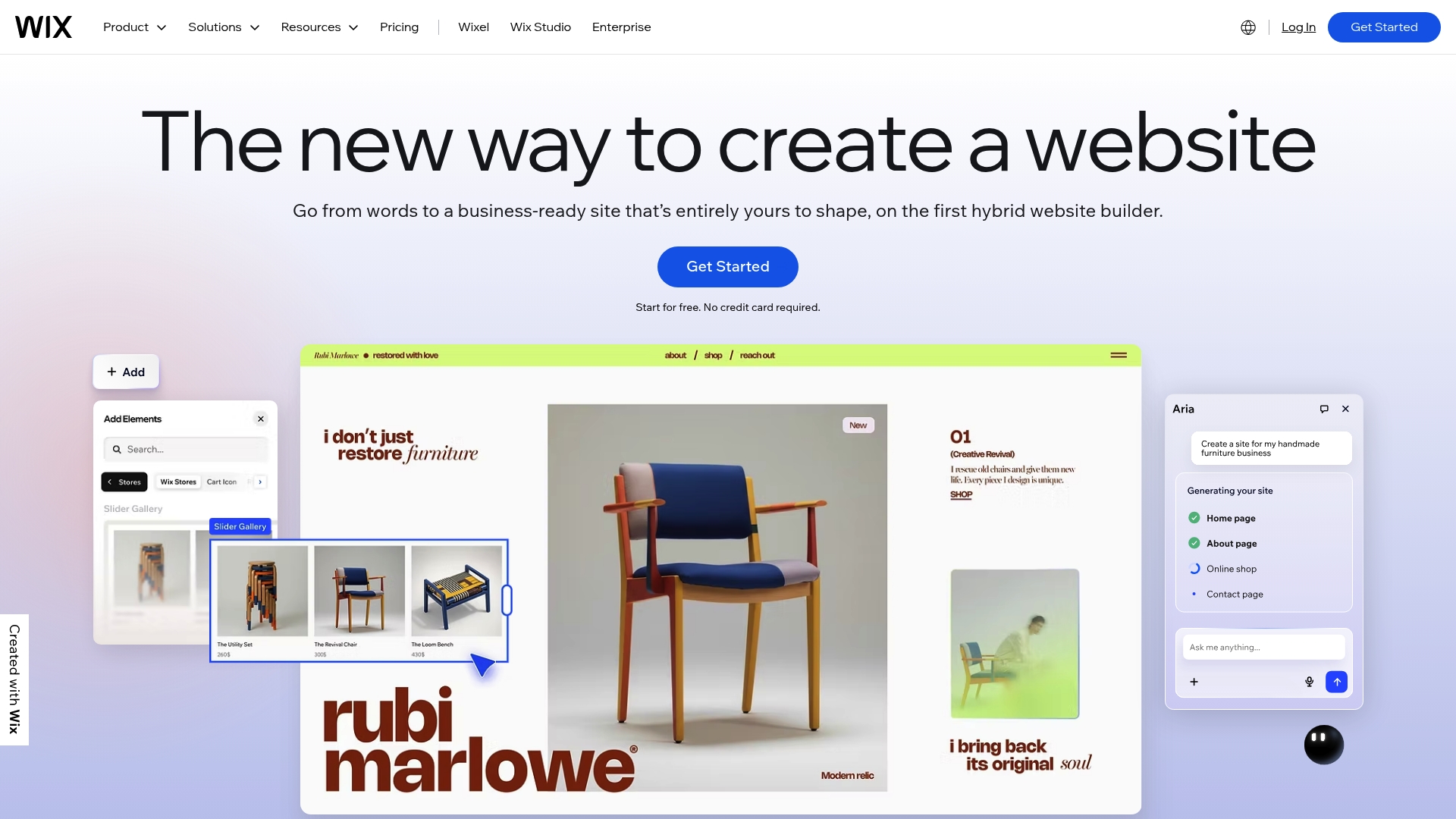
Wix is a full featured website builder that helps business owners create and run websites without heavy technical work. The platform pairs AI website creation with thousands of templates so you can launch quickly and then expand with marketing and eCommerce tools. For small businesses and self employed creatives who want one place to build, host, and manage their site, Wix offers a practical balance of power and approachability. Expect some features to require paid plans for full access, but the dashboard keeps everyday tasks straightforward.
Core Features
Wix combines visual design tools with a broad set of business features to support different website types. You get 900+ website templates, AI website creation, and built in web hosting and domain registration so setup stays in one place. The platform also includes eCommerce tools, appointment and scheduling features, blogging, and capabilities for courses, events, and restaurant ordering. Many features work out of the box which keeps the learning curve low for non technical users.
Pros
- Wide variety of customizable templates: The extensive template library gives you industry specific starting points so your site looks professional fast.
- Powerful AI website creation tools: Wix can generate a usable site based on simple inputs which saves hours on initial setup.
- Comprehensive suite of business and marketing features: You can manage bookings, sell products, create blogs, and run marketing campaigns from the same dashboard.
- Reliable web hosting with high security: Hosting and security are built in so you do not need a separate provider for uptime and protection.
- Supports a broad range of website types and industries: From portfolios to online stores and corporate sites, Wix adapts to many business models.
Cons
- Some features require paid plans: Several important capabilities and removal of Wix branding are available only on premium tiers.
- Advanced customization may require technical knowledge or higher tier plans: Deep design changes and complex integrations can demand code skills or an upgraded subscription.
- App Market integrations may have additional costs: Many third party apps require separate fees which can increase your monthly spend.
Who It's For
Wix fits individuals, entrepreneurs, and small to medium sized businesses that want an all in one platform and prefer low maintenance. If you are a creative professional, salon owner, or retailer who needs a polished online presence without hiring developers, Wix is a practical choice. Large enterprises with highly specific backend needs may find the customization limits restricting.
Unique Value Proposition
Wix sells simplicity plus breadth. It lets you start with AI or a template and then add bookings, eCommerce, and marketing without moving between vendors. That single vendor approach reduces vendor management and keeps your site operations in one dashboard.
Real World Use Case
A small business owner can build an online store, manage inventory, accept payments, handle bookings, and run email campaigns from the same Wix dashboard. That reduces the time spent on platform juggling and lets the owner focus on sales and customer service.
Pricing
A free plan is available with a Wix branded domain and limited features. Premium plans start at $17.77 per month and scale up to business, eCommerce, and enterprise tiers with more capabilities and bandwidth.
Website: https://wix.com
Squarespace
At a Glance
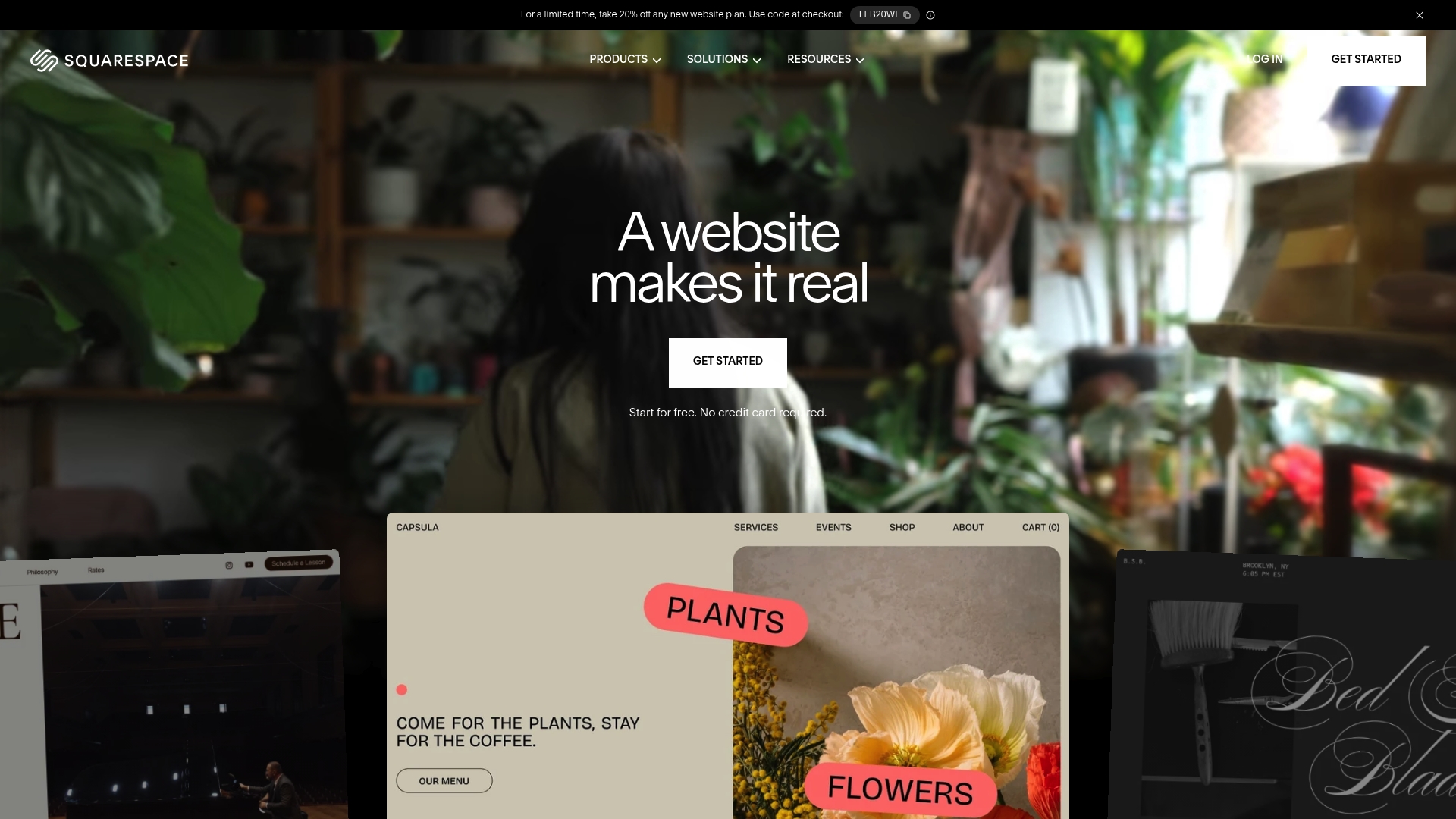
Squarespace is an all in one website builder that helps business owners create polished sites without technical headaches. It combines a user friendly drag and drop builder with customizable templates and AI tools to speed design work. For small business owners who want reliable hosting, built in security, and marketing features in one place, Squarespace delivers a focused, visually driven solution.
Core Features
Squarespace centers on website templates and an AI website builder that jumpstart layout and content. The platform includes ecommerce and online store capabilities for selling products and handling payments, plus marketing tools for SEO and email campaigns. Business features such as invoicing, scheduling, and donations expand its use beyond simple portfolios, and domain registration comes with SSL and privacy protections.
Pros
- User friendly drag and drop website builder: New users can assemble pages quickly without coding, which reduces setup time for busy owners.
- Wide variety of customizable templates: The design library gives you polished starting points that match creative industries like photography and design.
- Integrated ecommerce and marketing tools: Selling products, collecting payments, and sending email campaigns can all happen inside the same dashboard.
- Reliable hosting and security features included: Hosting, SSL, and domain privacy are bundled so you do not manage separate providers.
- Supports a diverse range of website types and business needs: From portfolios to service sites to online stores, the platform adapts to several use cases.
Cons
- Limited coding flexibility for advanced users: Developers who need full control over markup and server behavior will find customization options constrained.
- Pricing may be higher for extensive ecommerce features: Larger stores with advanced needs require higher tier plans which increases monthly cost.
- Some features require higher tier plans: Certain business tools and advanced ecommerce functionality are gated behind more comprehensive subscriptions.
Who It's For
Squarespace fits individuals, entrepreneurs, and small to medium sized businesses that prioritize design and ease of use over deep technical control. If you run a creative studio, freelance service, or a boutique online store and you want a single platform for website, hosting, and basic business tools, this is a strong match.
Unique Value Proposition
Squarespace offers a curated design experience where aesthetics and simplicity take priority. The value is the combination of polished templates, built in marketing features, and managed hosting that lets business owners focus on their service or product rather than servers and security.
Real World Use Case
A photographer uses Squarespace to showcase a portfolio, sell prints with the built in store, and manage client bookings through the scheduling tools. The result is a professional web presence that handles discovery, transactions, and appointments from a single admin panel.
Pricing
Squarespace subscriptions start at $16/month after a 14 day free trial, with more comprehensive plans available for ecommerce and advanced business needs.
Website: https://squarespace.com
GoDaddy

At a Glance
GoDaddy is a long established provider for domain registration and basic website services. The data shows a broad service set that includes Domain registration and Web hosting, which makes it a one stop place to get a site online. Current access to GoDaddy's site is restricted, so detailed features and fees are not available from the source. Use this review as a practical assessment based on the accessible product summary and noted limitations.
Core Features
The product listing identifies five core capabilities. Those include Domain registration, Web hosting, Website building tools, SSL certificates, and Email hosting. These features cover the typical needs of a small business owner who wants to register a domain, launch a site from a template, secure the site, and run business email from the same provider. Because the source could not supply detailed descriptions, these items describe the high level capabilities rather than deep platform specifics.
Pros
- GoDaddy offers a wide range of services that let you handle domains hosting and email from a single account which reduces vendor management overhead.
- The company has a global presence which helps if you need services and support across time zones.
- The platform is described as user friendly which lowers the learning curve for business owners who are not technical.
- The source lists 24/7 customer support as a pro though that point is noted as assumed in the provided data so you should verify real time support levels.
- Extensive domain options are available which makes finding and registering an exact business name easier.
Cons
- Pricing information is not accessible from the current webpage which prevents comparison of plans and total annual cost.
- The product listing warns of a potentially complex pricing structure which can make it hard to estimate the final bill without contacting sales.
- The provider uses upselling of additional services which can increase costs if you accept add ons during checkout.
- Access issues were explicitly noted during the information retrieval attempt which limits confidence in the completeness of this review.
Who It's For
GoDaddy fits solo entrepreneurs and small business owners who want to buy a domain and get a basic website up quickly without juggling multiple vendors. It also suits people who prefer a single provider for hosting email and SSL so technical management stays centralized rather than split across providers.
Unique Value Proposition
GoDaddy's appeal in this summary is its all in one convenience. If you value having domain registration, hosting, site templates, SSL and email in one account then this setup reduces administrative steps and centralizes billing and support.
Real World Use Case
A small business owner registers a new domain with GoDaddy and uses the included website building tools to launch a simple brochure site. The owner adds an SSL certificate to protect customer information and sets up a business email address to appear more professional to clients.
Pricing
Pricing details were not accessible from the current webpage so exact plan names and per month costs cannot be reported from the source. Contact GoDaddy directly to get current pricing and any promotional terms.
Website: https://godaddy.com
Website Builder Tools Comparison
This table provides a comprehensive comparison of website builders discussed, highlighting their features, advantages, pricing, and applicable use cases.
| Tool | Core Features | Pros | Cons | Pricing |
|---|---|---|---|---|
| Wix | AI website creation; 900+ templates; eCommerce, bookings, blogging, and hosting; domain registration | Customizable templates; Integrated AI tools; Comprehensive business features | Paid plan required for advanced features; Market app costs | Free option or $17.77/month |
| Squarespace | Drag-and-drop builder; SEO, analytics, and email tools; eCommerce; domain registration | User-friendly design; Easy setup; Elegant aesthetic templates | Limited advanced coding; Higher eCommerce costs | Starting at $16/month |
| GoDaddy | Domain registration; Web hosting; Site builder; SSL certificates and email hosting | All-in-one central services; Extensive domain options | Limited pricing clarity; Potential cost upselling | Pricing details require direct inquiry |
Simplify Your Web Design Journey with Expert Support
The article highlights how small business owners face challenges like navigating AI website creation, managing hosting, and handling marketing all in one place. You want a website that looks professional without the hassle of technical headaches or complex pricing plans. That is where Vegas Solutions steps in. We understand the need for a single point of contact who handles website building, hosting, and ongoing maintenance so you can focus on growing your business.
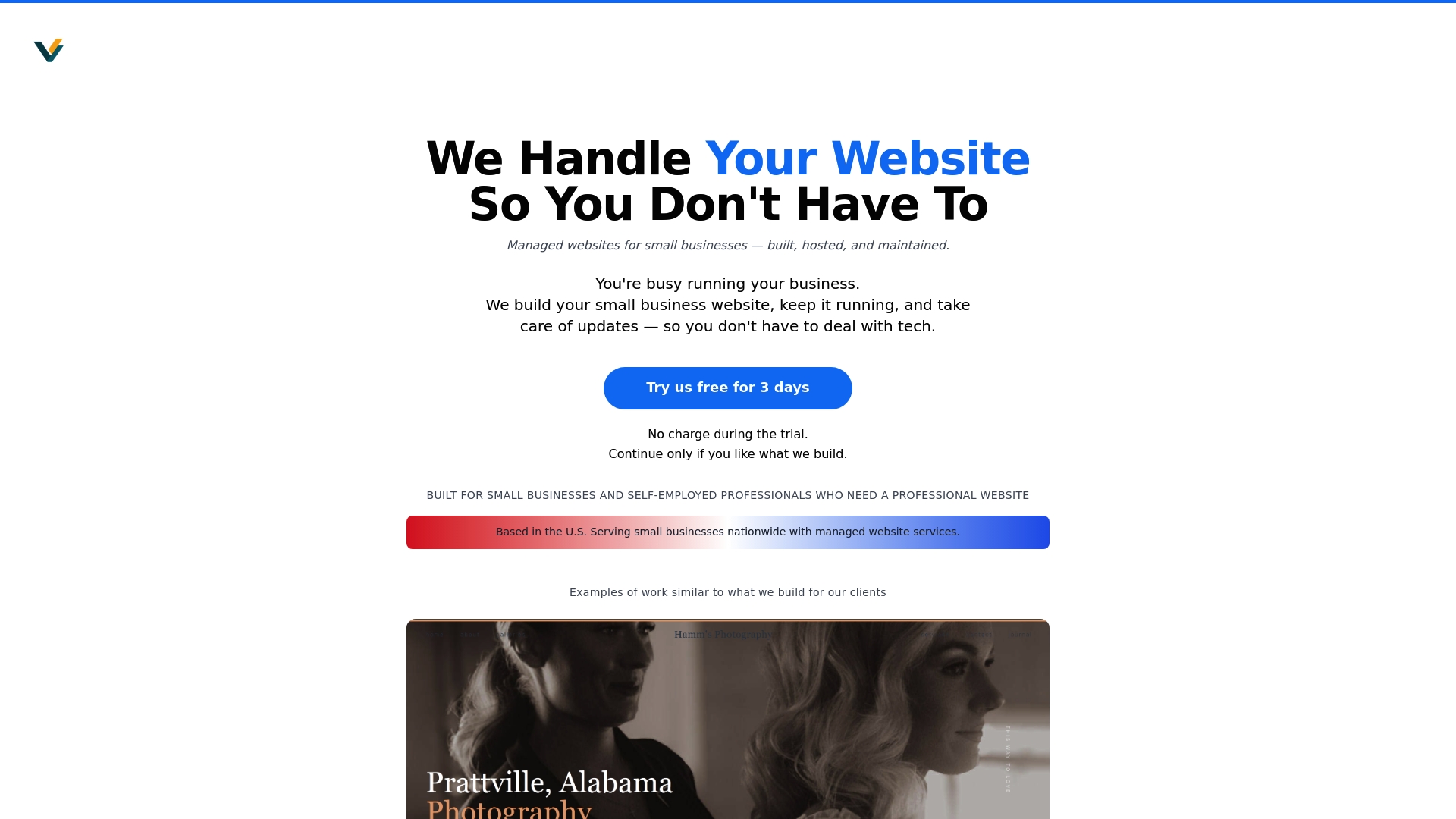
Ready to stop juggling multiple tools and vendors? With Vegas Solutions, experience fast turnaround, simple language, and reliable support tailored to your business needs. Start with a $69 demo at Vegas Solutions and see how seamless your web presence can become. Discover how easy web design can be when you have an expert partner by your side. Don't delay your website success – visit Vegas Solutions and get started today.