
Top 4 Best Website Builders 2026 for Entrepreneurs and Small Businesses

Building a website has never been more exciting or accessible. Entrepreneurs and small businesses are always searching for tools that can turn ideas into thriving online spaces. There are options that promise sleek designs, easy updates, and flexibility that adapts to unique needs. Some are packed with creative features that can surprise you. Choosing the right builder could be a turning point. The variety is impressive, and the differences between each platform might just spark your imagination.
Wix
At a Glance
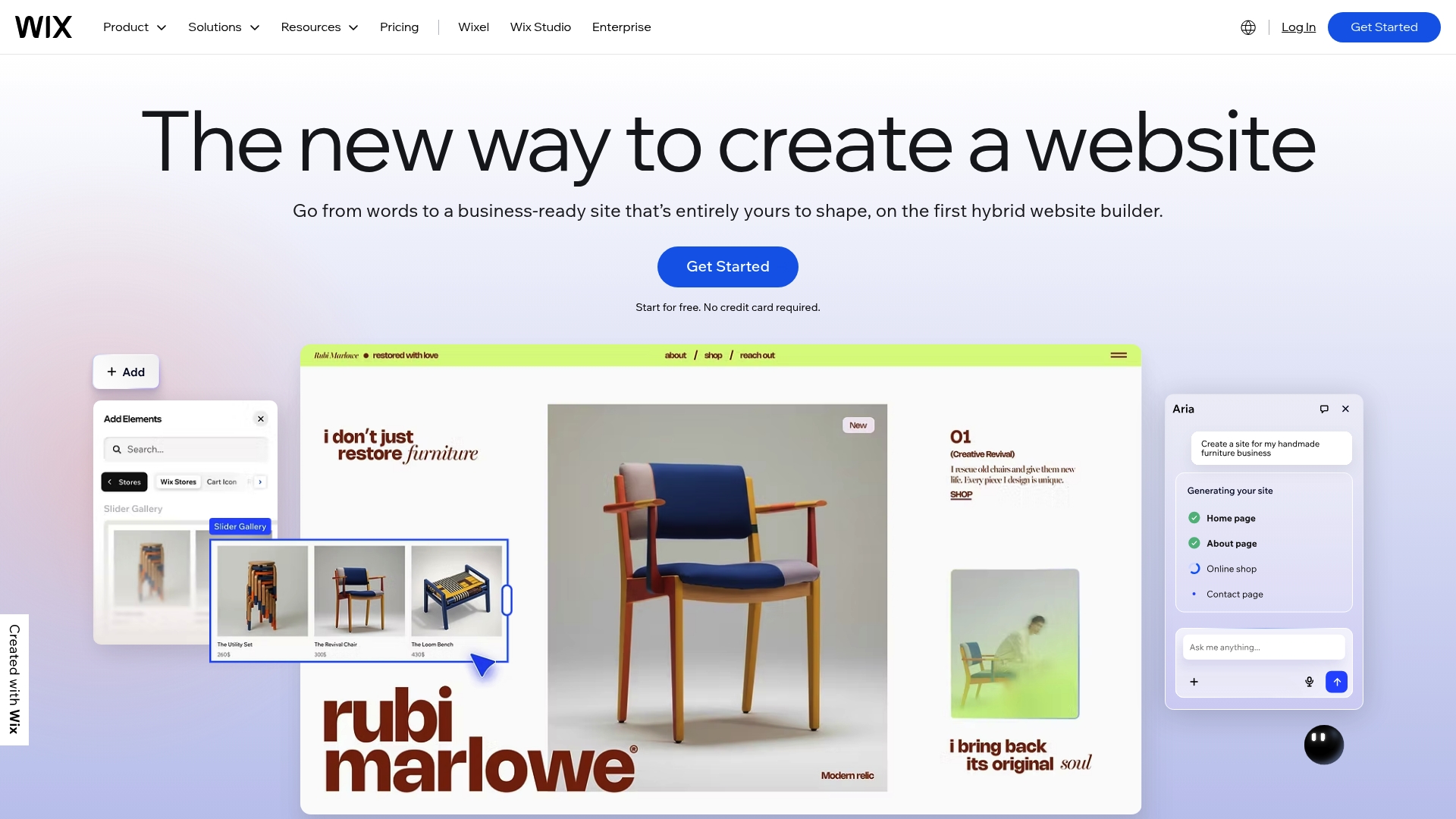
Wix is a beginner friendly website builder that combines AI website builder tools with a visual drag and drop interface so you can get online quickly without coding. It pairs a broad template library with built in business features like eCommerce and scheduling so a single dashboard handles sales, bookings, and content. For non technical small business owners this is a practical all in one option that balances ease of use with real growth tools. Expect extra costs when you add premium features or a custom domain.
Core Features
Wix brings together intuitive design tools, over 900 templates, an AI driven site creator, and eCommerce solutions in one platform. It includes scheduling tools for appointments, blog and portfolio options for content, domain registration and hosting, plus built in security and analytics and marketing tools for SEO email and social media.
Pros
- User friendly drag and drop interface makes building pages straightforward for owners with no design experience.
- Extensive template library offers a fast starting point so you can pick a look that matches your brand and adapt it quickly.
- Integrated AI tools speed up setup by creating initial layouts and content suggestions so you save hours on design.
- Comprehensive business solutions let you sell products, manage bookings, and run promotions from one dashboard.
- Reliable web hosting and security keeps your site online and protected without requiring separate providers.
Cons
- Premium features require subscription plans that raise the total cost as you add advanced tools.
- Some limitations on free plan customization mean the free tier works only for simple test sites or short term use.
- Additional costs for domain registration and upgrades add to the monthly expense when you want a professional branded address.
Who It's For
Wix fits solo entrepreneurs, creatives, and small to medium sized businesses that want a straightforward setup and an integrated toolset. If you prefer visual editing over technical control and want hosting built in this platform keeps management simple. If you plan to scale rapidly with custom backend needs you may eventually need more developer focused options.
Unique Value Proposition
Wix combines design freedom with practical business features so you can build a polished site and run operations from the same place. That single dashboard approach removes the juggling of multiple vendors and shortens the time from idea to live site.
Real World Use Case
A small boutique can use Wix to launch an online store with product pages and checkout process manage appointment bookings for in store alterations and publish a blog that drives local traffic. The boutique links a custom domain and runs email promotions all from the same admin panel.
Pricing
Free plan available. Premium plans start at $17.77 per month and go up to $159.77 per month depending on features and usage. Expect domain registration and some upgrades to carry additional fees.
Website: https://wix.com
Squarespace
At a Glance
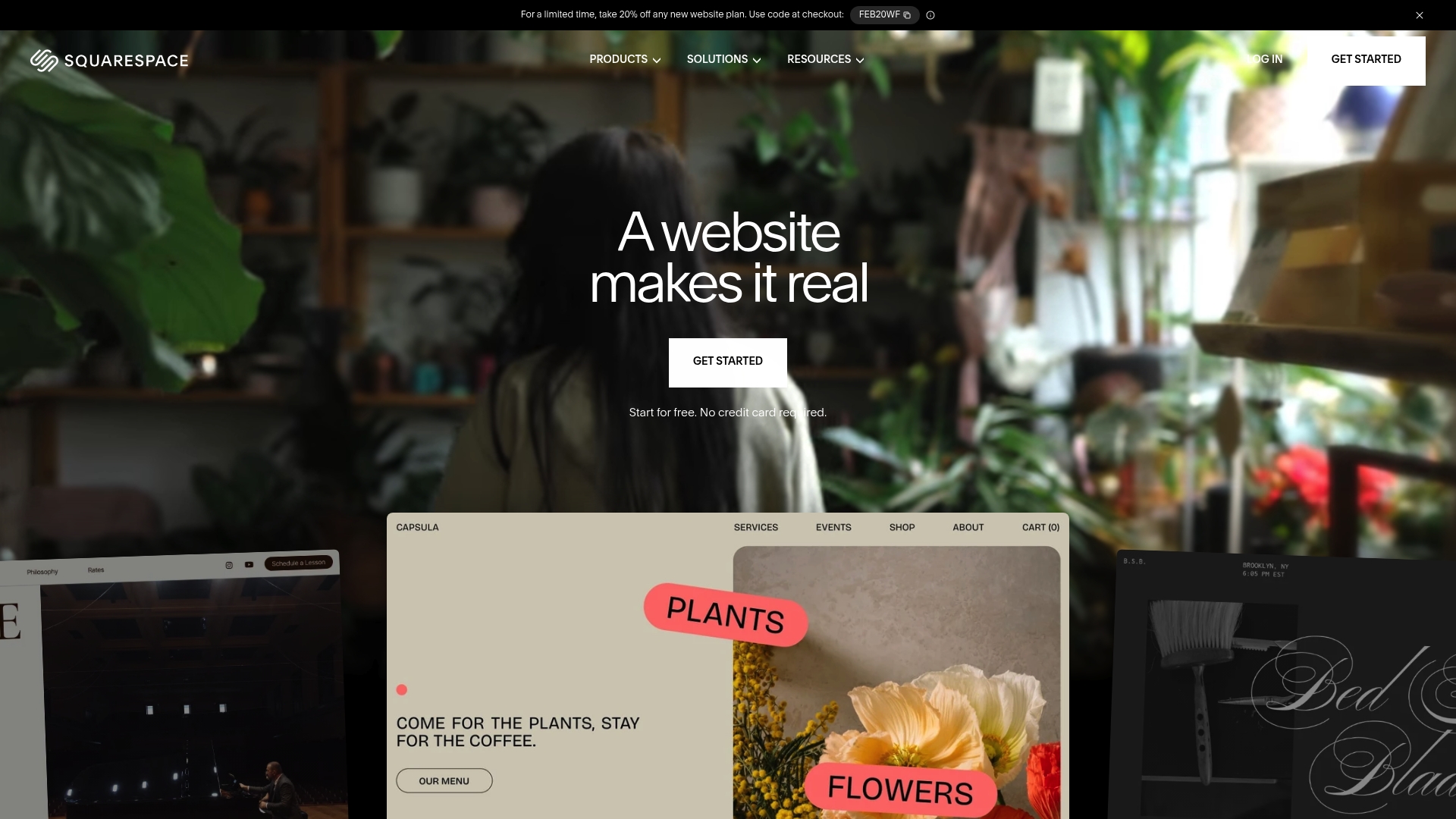
Squarespace delivers a polished, all in one website solution that helps nontechnical business owners get online quickly. Its AI Website Builder and professionally designed templates speed setup while built in ecommerce and marketing tools support growth. Expect a smooth path from domain registration to launch but plan for higher costs if you need advanced features. Quick takeaway: fast to start, powerful for stores, pricier at scale.
- Fast setup with AI assisted design and templates
- Built in ecommerce and marketing tools for selling and promoting
Core Features
Squarespace focuses on design first while packing tools most small businesses need. Key capabilities combine visual editing with commerce and marketing so you do not juggle multiple services.
- Customizable templates and drag and drop editor for visual control
- Online stores and ecommerce tools for product pages, checkout, and shipping extensions
- Marketing tools for SEO and email campaigns plus analytics for performance tracking
- Domain registration, hosting, security, invoicing, and scheduling all included
Pros
- User friendly with drag and drop interface: The editor makes common updates fast so you can manage content without technical help.
- Wide range of professionally designed templates: Templates give a polished look for portfolios, boutiques, and service businesses.
- All in one platform with hosting, security, and domain services: You get hosting and domain management without separate accounts.
- AI tools to streamline the building process: The AI features speed content and layout decisions so you spend less time staring at blank pages.
- Strong ecommerce and marketing capabilities: Built in tools let you sell, track performance, and run email campaigns from one dashboard.
- Extensive support resources: Help center articles, webinars, and community forums offer guidance when you need it.
Cons
- Pricing may be high for advanced features: Costs rise as you add commerce capabilities and third party extensions.
- Customization options might be limited for very unique design needs: Deep custom changes require workarounds or developer help.
- Some users report a learning curve with advanced features: Managing shipping, taxes, and advanced marketing tools can take time to master.
Who It's For
Squarespace suits individuals and small to medium sized businesses that want a stylish site without coding. If you run a boutique, a freelancer portfolio, or a small service business and prefer one vendor for hosting and tools this is a practical choice. If you need extreme design freedom or the lowest possible cost for enterprise scale, look elsewhere.
Unique Value Proposition
Squarespace combines design first templates, AI assisted building, and built in commerce so you can create a professional site and sell from the same platform. That reduces setup time and vendor juggling which saves you headaches when you are focused on running your business.
Real World Use Case
A small boutique can use Squarespace to build a branded storefront, accept payments, manage inventory with extensions, and send targeted email campaigns to local customers. Launch to first sale can happen in days rather than weeks.
Pricing
Starting at $16/month after a free trial, with various plans for websites and online stores. Expect higher tier plans for advanced ecommerce features and extended marketing tools.
Website: https://squarespace.com
GoDaddy

At a Glance
GoDaddy delivers a broad suite of web hosting and domain registration services aimed at people who want an all in one place to build and launch a site. The platform pairs easy to use website building tools with hosting, SSL, and email so you can handle the basics without juggling multiple vendors. Support is available around the clock, though experiences vary, and pricing depends on which specific product you pick. Bottom line: reliable for straightforward launches, less predictable for complex or high traffic projects.
Core Features
GoDaddy combines the essentials needed to get online quickly while keeping technical setup minimal. The main capabilities include domain name search and management, multiple hosting tiers, a drag and drop website builder, SSL certificate provisioning, and email hosting.
- Domain registration and management for one stop domain control
- Web hosting services that range from basic shared plans to dedicated server options
- Website building tools designed for nontechnical users
- SSL certificate provision to add security to your site
- Email hosting services to run business email on your domain
These features make it possible to register a domain and publish a simple site in a few hours without deep technical knowledge.
Pros
- Comprehensive suite of services: GoDaddy bundles domain, hosting, builder, SSL, and email so you manage everything from one dashboard.
- User friendly interface: The setup wizards and templates reduce the time it takes to go live, which helps owners who want fast results.
- Widely recognized brand: Familiarity means plenty of documentation and a long track record you can research before committing.
- 24/7 customer support options: Round the clock phone and chat support is available for urgent issues and basic troubleshooting.
- Affordable pricing plans: Introductory prices and entry level plans make it simple to start with a low upfront cost.
Cons
- Some services can be expensive compared to competitors: Renewal rates and add on services can push costs higher over time.
- Customer support experiences vary: While support exists 24 hours, resolution quality is inconsistent across cases.
- Upselling of additional services during checkout: The checkout flow frequently suggests extras which can be confusing for first time buyers.
Who It's For
GoDaddy suits small to medium sized businesses, solo entrepreneurs, and individuals who value a single vendor for domain, hosting, and basic website tools. If you want a fast path to publish a storefront or brochure site without hiring technical help this is a sensible option.
Unique Value Proposition
GoDaddy's strength is convenience. It reduces vendor management by combining domain, hosting, security, and email in one account, and its website builder removes many technical barriers so nontechnical owners can focus on content and customers.
Real World Use Case
A small business owner registers a memorable domain, picks a basic hosting plan, and uses the site builder to create an online store. They add an SSL certificate and business email, then rely on support if they need help with DNS or publishing.
Pricing
Pricing varies by product and plan. Domain registration often starts with introductory pricing, while hosting plans range from low cost shared options to higher priced dedicated server solutions. Expect different rates for renewals and add on services.
Website: https://godaddy.com
Before choosing a platform, use the contractor website checklist to identify the pages and inquiry options your business needs.
Website Builder Tools Comparison
This comprehensive table sums up the features, advantages, disadvantages, pricing, and usability for Wix, Squarespace, and GoDaddy as website-building platforms.
| Feature | Wix | Squarespace | GoDaddy |
|---|---|---|---|
| At a Glance | Beginner-friendly builder with AI tools and drag-and-drop interface, suitable for small businesses. | Polished templates and AI-assisted setup, ideal for stylish sites and online stores. | Broad suite with hosting, website building, SSL, and email, convenient for launching straightforward sites. |
| Core Features | AI site creation, 900+ templates, eCommerce, scheduling, security, SEO, and analytics. | Customizable templates, drag-and-drop editor, integrated eCommerce, marketing tools, and hosting. | Domain registration, hosting plans, SSL certificates, email hosting, and website builder tools. |
| Key Pros | User-friendly UI, diverse templates, AI assistance, all-in-one business solutions, reliable hosting. | Professional templates, integrated eCommerce and marketing tools, comprehensive hosting services. | Extensive services, user-friendly interface, established brand, 24/7 support, affordable introductory pricing. |
| Key Cons | Advanced functions require paid plans; Free model has limitations; Upgrades include additional fees. | Higher costs for advanced features; Limited customization for unique designs; Learning curve reported. | Renewal pricing can be high; Support levels vary; Checkout process includes upsells. |
| Pricing | Free tier available; Premium plans from $17.77/month to $159.77/month. | From $16/month; Tiered plans include advanced eCommerce and marketing capabilities. | Variable pricing; Domain registration, hosting, and services have differing rates and renewal costs. |
| Usability | Suitable for entrepreneurs and small businesses preferring visual editing and an integrated suite. | Ideal for individuals and businesses needing visually pleasing templates and consolidated services. | Tailored to users requiring straightforward launches with manageable technical setups. |
Simplify Your Website Journey With Expert Help
Choosing the right website builder like Wix, Squarespace, or GoDaddy is a great first step but the challenge for many entrepreneurs and small businesses is the ongoing tech headaches of building, hosting, and maintaining their site. You want all the benefits of easy design and powerful ecommerce without the frustration of subscriptions, domain complexities, or technical troubleshooting. That is exactly where Vegas Solutions can make a difference. We handle the entire website process so you can focus on growing your business with confidence.
With Vegas Solutions, you get a dedicated partner who speaks plain English and offers fast turnaround plus ongoing support to keep your site running smoothly. Our approach removes the uncertainty around premium costs, platform limits, and security while giving you a polished online presence that works. Whether you want AI-assisted design tools or a full custom build, see how simple it can be to hand off your site management.
If you want a website without handling the build yourself, explore our managed website design for contractors. Start with a $69 refundable demo deposit, see the direction, and decide whether to move forward. The deposit counts toward the $699 build. Ongoing management is $69 per month after the first free month.
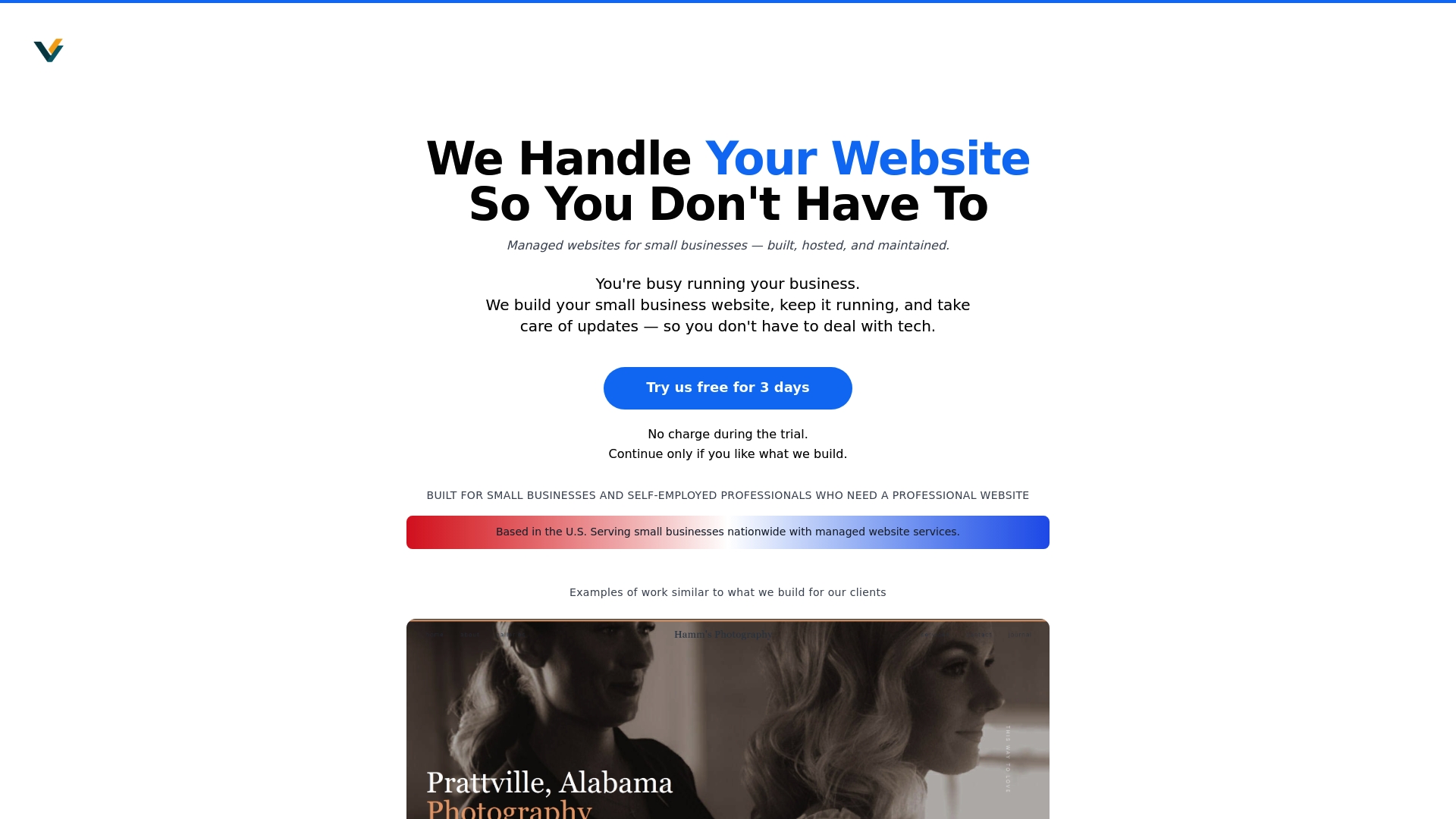
Experience hassle free website building today and see why so many small businesses trust us to fully handle their sites. Get started risk free with Vegas Solutions and take the first step toward a website that delivers results without the headaches.


