
Top 8 Best Website Builders for Freelancers in 2026

Setting up a website can feel overwhelming for freelancers who want to turn their skills into something clients remember. Choosing the right tool makes all the difference when you need a space that looks sharp and works well without long hours of coding or design. The choices are countless and every platform promises something unique. Whether you want creative freedom or need quick and easy options, finding that perfect fit is key. Curious how these tools stack up for real world projects and freelance success? The most surprising details are just ahead.
Wix
At a Glance
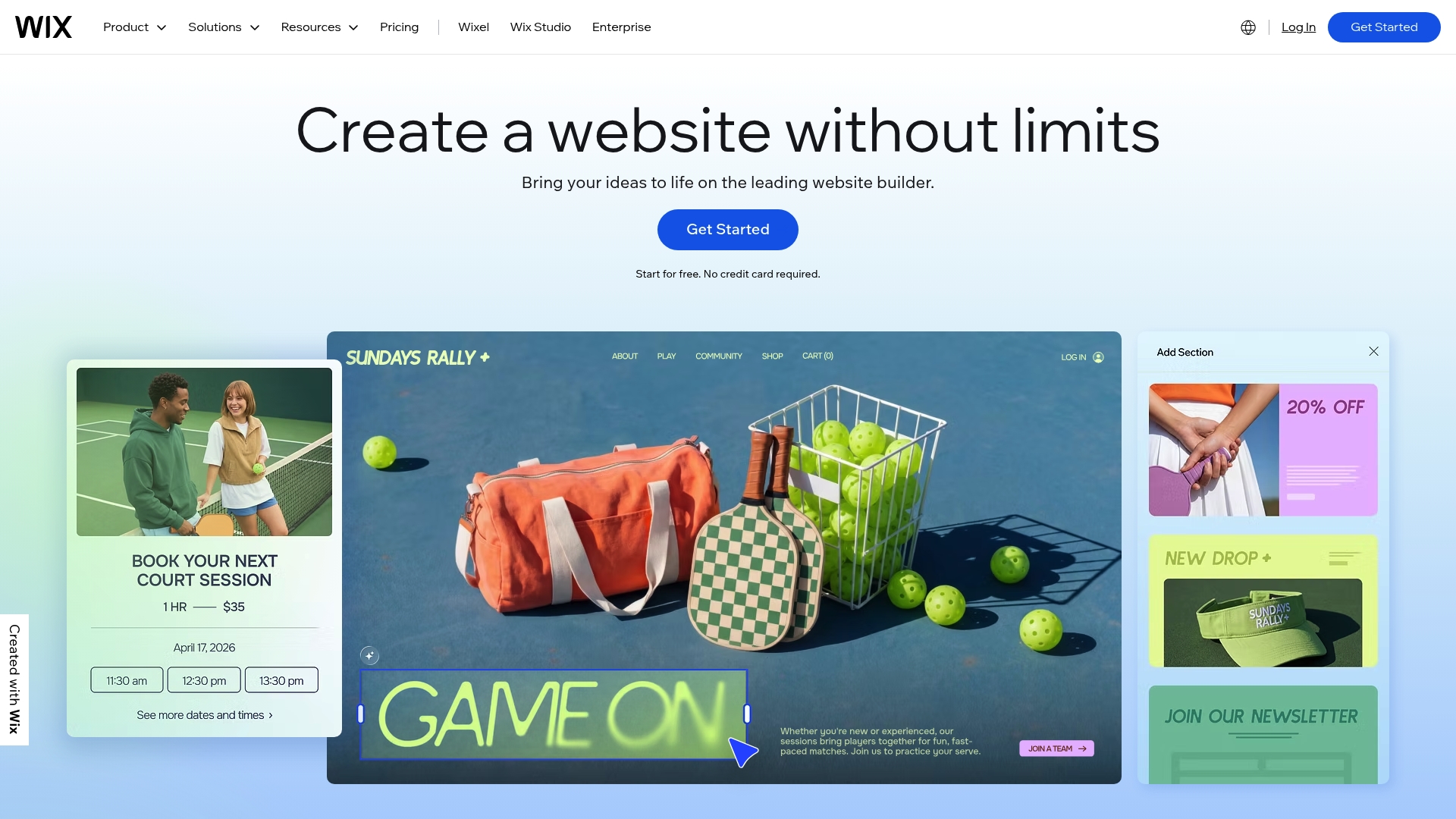
Wix is a user friendly website builder that combines design tools and business solutions in one AI powered platform. It offers AI website builder features and 900+ customizable templates so you can get a professional site live fast. The platform also includes eCommerce platform, scheduling, blogging, domain registration, hosting and security all managed from a single dashboard. Bottom line: Wix speeds up site creation for freelancers who want a polished online presence without coding.
Core Features
Wix centers on visual site design with an intuitive interface and a robust template library. Key capabilities include an AI website builder for quick site creation, a full eCommerce platform to sell products and services, and built in scheduling tools for appointments and reservations. The product also supports blogging, portfolio pages, domain registration, hosting and security, so you avoid stitching multiple vendors together. That breadth makes Wix a practical option when you want most site functions handled in one place.
Pros
- Drag and drop editor: The editor makes layout changes fast and approachable so you can prototype and publish without code.
- Template selection: The 900 plus templates give plenty of starting points for creative portfolios and client facing pages.
- AI powered creation: The AI tools accelerate setup by generating a site structure and design based on your inputs.
- All in one platform: Hosting, domain registration and security are included, which cuts the overhead of managing separate services.
- Flexible plans: Multiple plans let you start on a free tier and upgrade as you add eCommerce or advanced marketing features.
Cons
- Some features require paid plans which means you will likely upgrade to access online store or advanced marketing tools.
- The platform can be limited for highly custom or complex websites because deep custom code options are less accessible than with developer focused platforms.
- Pricing can be high for advanced features, so the total cost rises if you need premium apps and commerce capabilities.
Who It's For
Wix suits individuals, entrepreneurs and small to medium sized businesses who need a professional site quickly. Freelancers in the U.S. who want to showcase portfolios, book clients, and accept payments will find the feature mix particularly useful. If you prefer visual design over manual coding and want hosting bundled in, Wix matches that workflow.
Pricing
Wix has a free basic plan and Premium plans that start at $17 per month and scale up to $159 per month depending on features and scale. Expect to upgrade for eCommerce or advanced marketing tools.
Website: https://wix.com
Squarespace
At a Glance
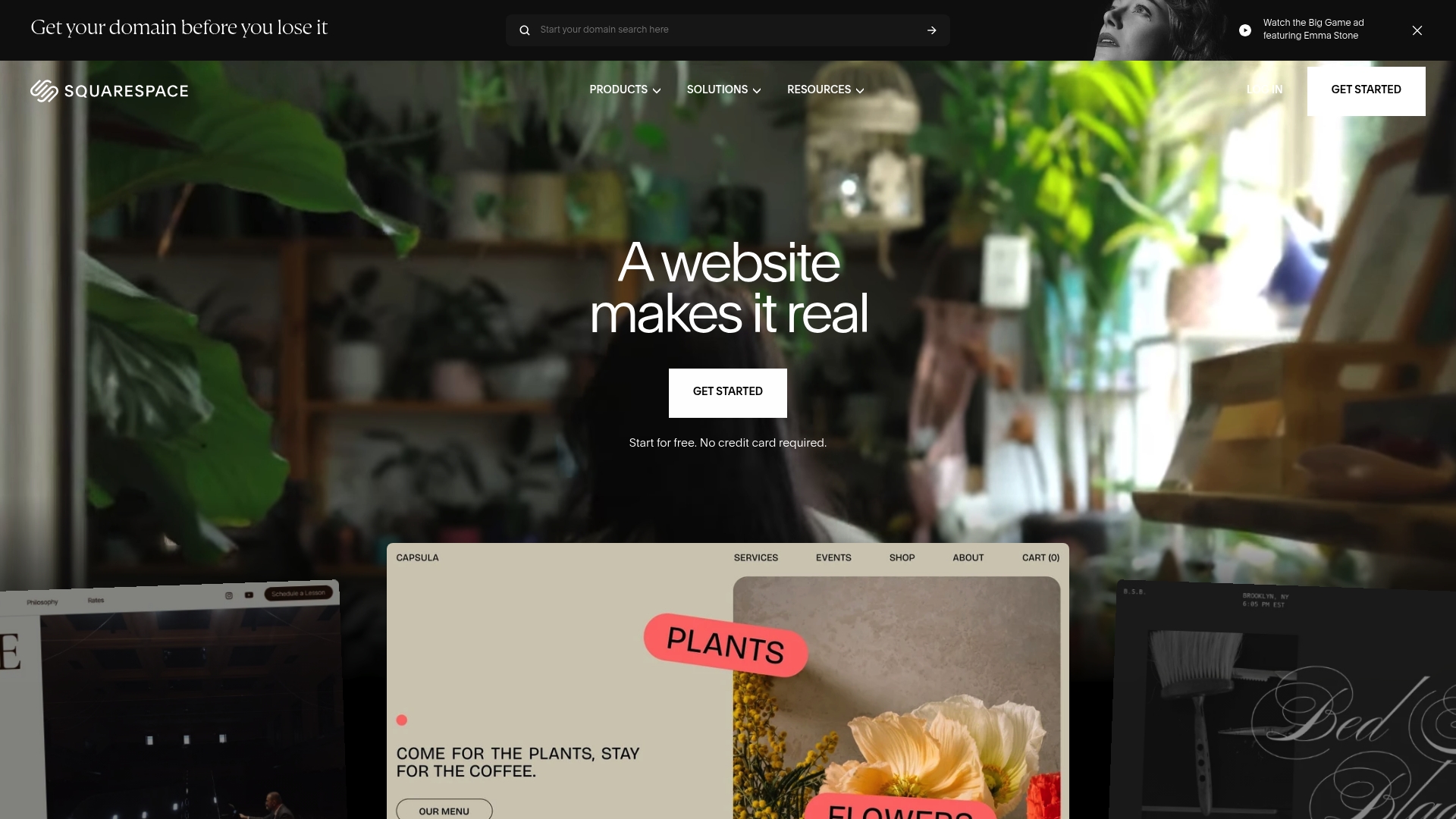
Squarespace is an all-in-one platform that combines website building, hosting, and business tools into a single package. The platform pairs a AI Website Builder with professionally designed templates to help you launch a polished site quickly. It works well for freelancers who want a strong-looking portfolio, basic ecommerce, and simple business operations without hiring a developer. Trial it, then decide if the price and feature set match your workflow.
Core Features
Squarespace offers an AI Website Builder for quick website creation, a broad library of customizable templates, and native ecommerce capabilities for selling products and services. The platform includes marketing tools such as email campaigns and SEO features plus business tools for invoicing, scheduling, and payment processing through Squarespace Payments alongside third-party extensions. Domains, hosting, and security come bundled so you manage fewer vendors and logins.
Pros
- All-in-one platform combining website creation, hosting, and marketing. Having hosting, templates, and marketing tools under one roof reduces setup time and vendor juggling.
- User-friendly drag-and-drop interface and AI support. The editor and AI features speed up page creation so you can focus on client work rather than site code.
- Wide range of customizable templates for various types of businesses. Templates are designed to showcase visual work and service descriptions in a clean, consistent way.
- Integrated ecommerce and payment options. You can accept payments and sell digital or physical products without adding external storefront tools.
- 24/7 support and extensive resource center. When you hit a snag you have access to documentation and around the clock support to keep projects moving.
Cons
- Some features require higher tier plans or add-on costs, which raises the total price as your needs grow.
- The platform offers less flexibility for complex or highly customized websites compared with fully custom coded solutions.
- Payment processing fees can add up in addition to subscription costs depending on your sales volume and plan.
Who It's For
Squarespace suits small business owners, creative professionals, and freelancers who want a professional online presence without learning code. If you value polished templates, built-in marketing, and bundled hosting you will find it efficient. If you plan heavy custom development or need unusual integrations you may feel constrained.
Pricing
Plans start at $16 per month after a free trial with distinct tiers for websites and online stores. Upgrades add ecommerce and business features as your needs expand.
Website: https://squarespace.com
GoDaddy
At a Glance
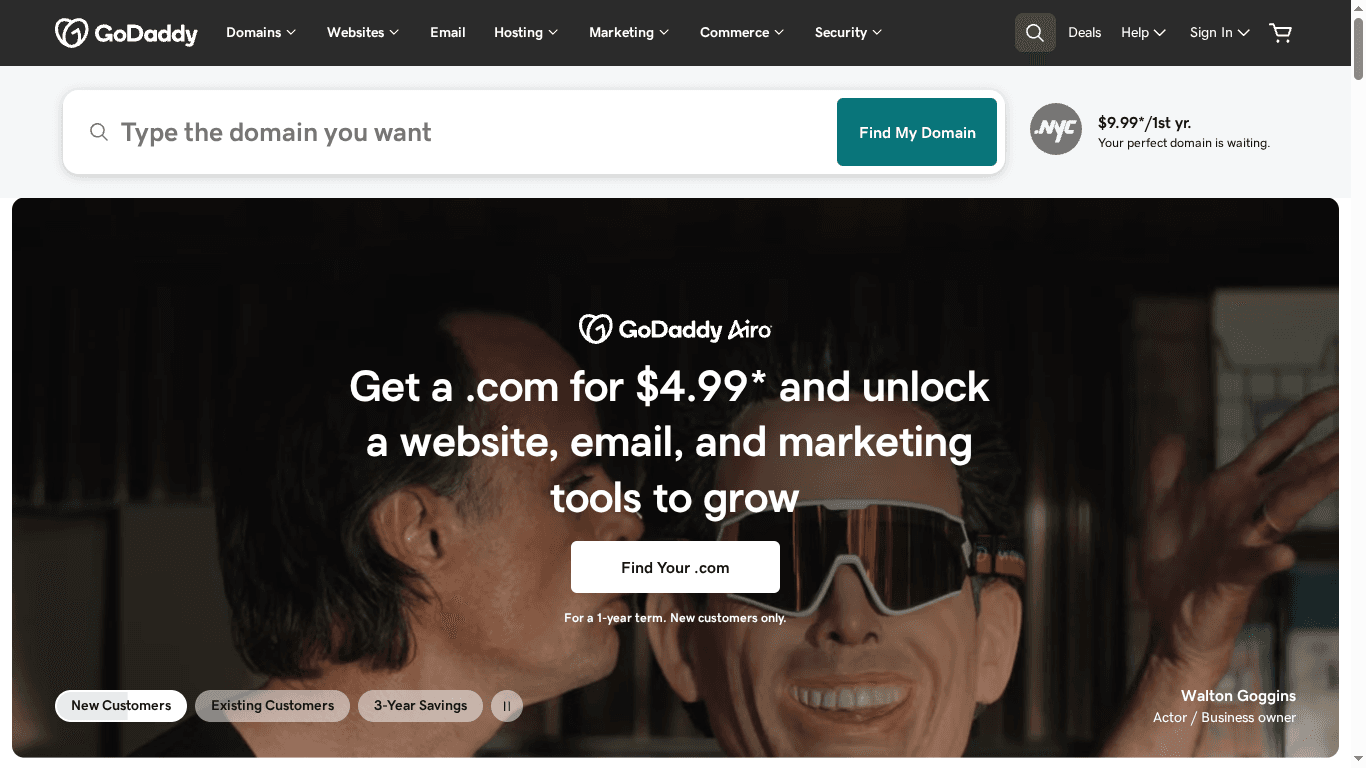
GoDaddy packages domain registration, hosting, website building, security, and email into a single platform that is easy for beginners to use. Freelancers who want a fast path to a portfolio or simple online store will appreciate the straightforward setup and accessible support. The public content was restricted so full feature and pricing details were not available for review. Expect solid brand backing and a familiar interface, but watch for reports about renewal pricing and upsells.
Core Features
GoDaddy focuses on unified tools that let you get online with minimal friction. Key capabilities include domain registration, web hosting, and website builder tools aimed at users without coding experience.
- Domain registration services for buying and managing names
- Web hosting solutions for shared sites and basic stores
- Website builder tools for drag and drop site creation
- SSL certificates to protect visitor data
- Email hosting services for professional addresses
Pros
- Comprehensive suite of services: You can handle domains hosting site building security and email from one account which reduces administrative overhead.
- User friendly interface: The platform presents guided workflows that help beginners publish a site quickly without technical setup.
- Reliable customer support: GoDaddy provides support channels and documentation that help resolve common issues when you are building or maintaining a site.
- Wide range of features: The platform offers multiple tiers and add ons that match different budgets and needs so you can scale up as projects grow.
- Strong brand recognition: The company presence gives confidence to clients who recognize an established provider behind your site.
Cons
- Pricing details were not accessible in the provided content so the cost structure is unclear.
- Website access issues noted in the source material suggest potential regional or technical restrictions that could affect setup.
- Some users report high renewal prices and upselling tactics which can raise ongoing costs beyond the initial purchase.
Who It's For
GoDaddy suits small to medium sized business owners entrepreneurs and individuals who want a single place to buy a domain host a site and manage email. Freelancers who prefer an easy setup and built in support will find it convenient for portfolio sites and simple client projects. If you plan to scale into complex custom builds you may outgrow the simplest plans but the platform covers most basic to mid level needs.
Pricing
Pricing details were not accessible due to website access restrictions in the provided content. Public reports mention varied plan tiers and note that renewal rates and add on costs can increase the long term expense.
Website: https://godaddy.com
The Free Website Guys
At a Glance
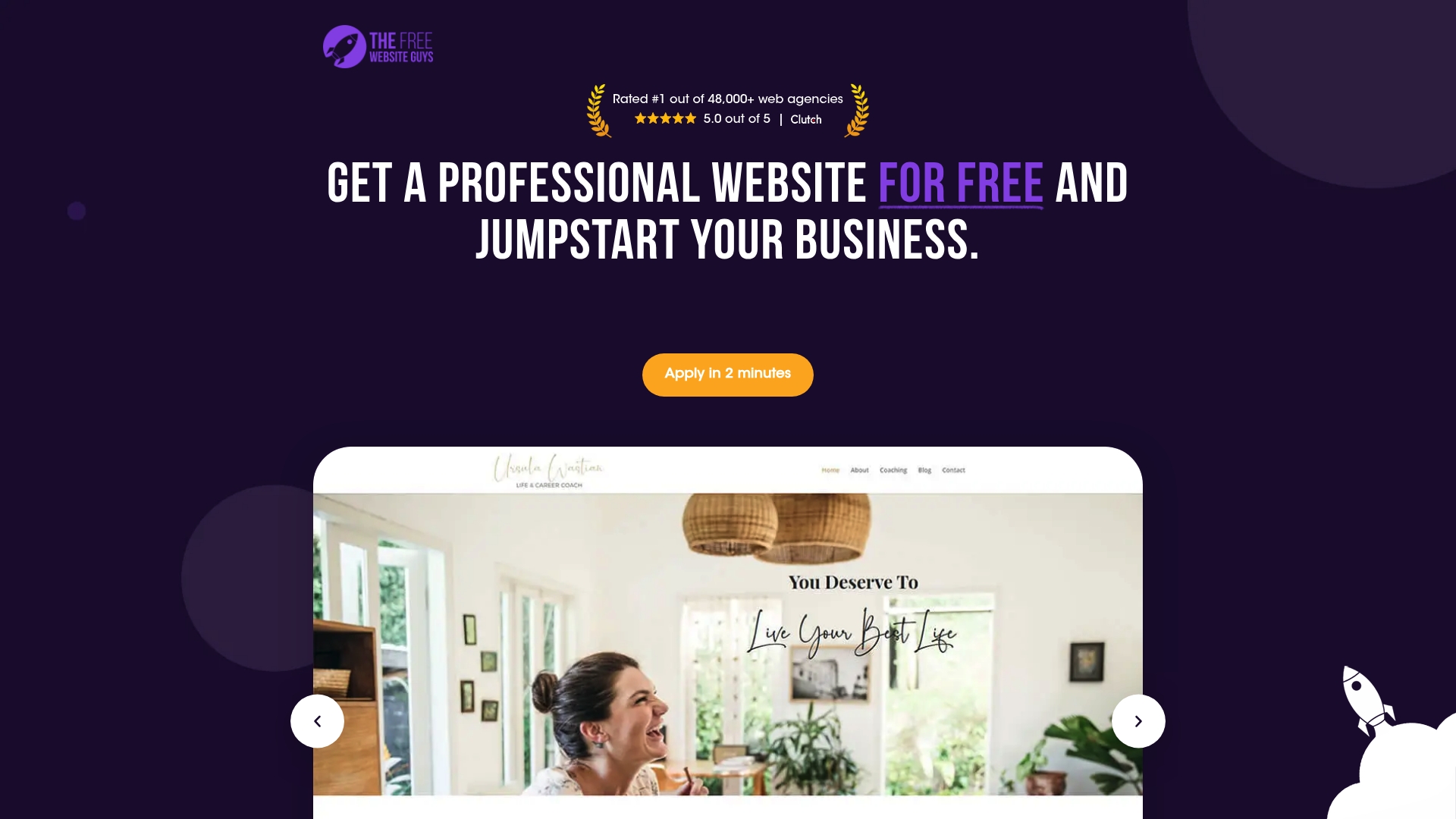
The Free Website Guys offers a straightforward path to a professional website at no cost, with teams building sites for over 30,000 clients since 2019. Their process focuses on fast application review and delivering mobile optimized, SEO ready sites that load quickly and include built in security. Customer feedback is strong, with a reported 5.0 out of 5 rating, making this a low risk way to get a polished online presence. Acceptance is selective, so expect an application review rather than instant sign up.
Core Features
The service provides free professional website development handled by designers and developers, which removes technical setup from your to do list. Sites arrive mobile optimized and SEO ready with attention to fast load speeds and built in security such as automated backups and security protocols. The offering also includes guidance and tutorials so you can make basic customizations without coding knowledge.
Pros
- Exceptional customer satisfaction: The service reports a 5.0 rating, which signals consistent positive client experiences.
- Zero development cost: You get professional design and deployment without the typical agency fees, saving significant money up front.
- Fast loading sites: The platform emphasizes quick load speeds, which improves user experience and search performance.
- Security first approach: Automated backups and security protocols reduce maintenance hassles for nontechnical owners.
- Supportive onboarding: Step by step guidance and tutorials help you manage small edits and learn the basics.
Cons
- Selective application process limits access: Only about 28.4 percent of applicants are accepted, so not everyone receives a site.
- Possible wait times during review: The time from application to site delivery varies based on application quality and current demand.
- Customization limits compared to paid agencies: You can edit basic content, but deep custom design or bespoke features require a paid solution.
Who It's For
This service fits entrepreneurs, small business owners, and startups who need a fast, professional web presence without paying for traditional development. It works well for owners who prefer to hand the technical work to professionals and who accept limited design customization in exchange for no cost and fast launch.
Pricing
The service is offered for free, with website development, hosting, and basic support included for accepted applicants.
Website: https://thefreewebsiteguys.com
B12
At a Glance
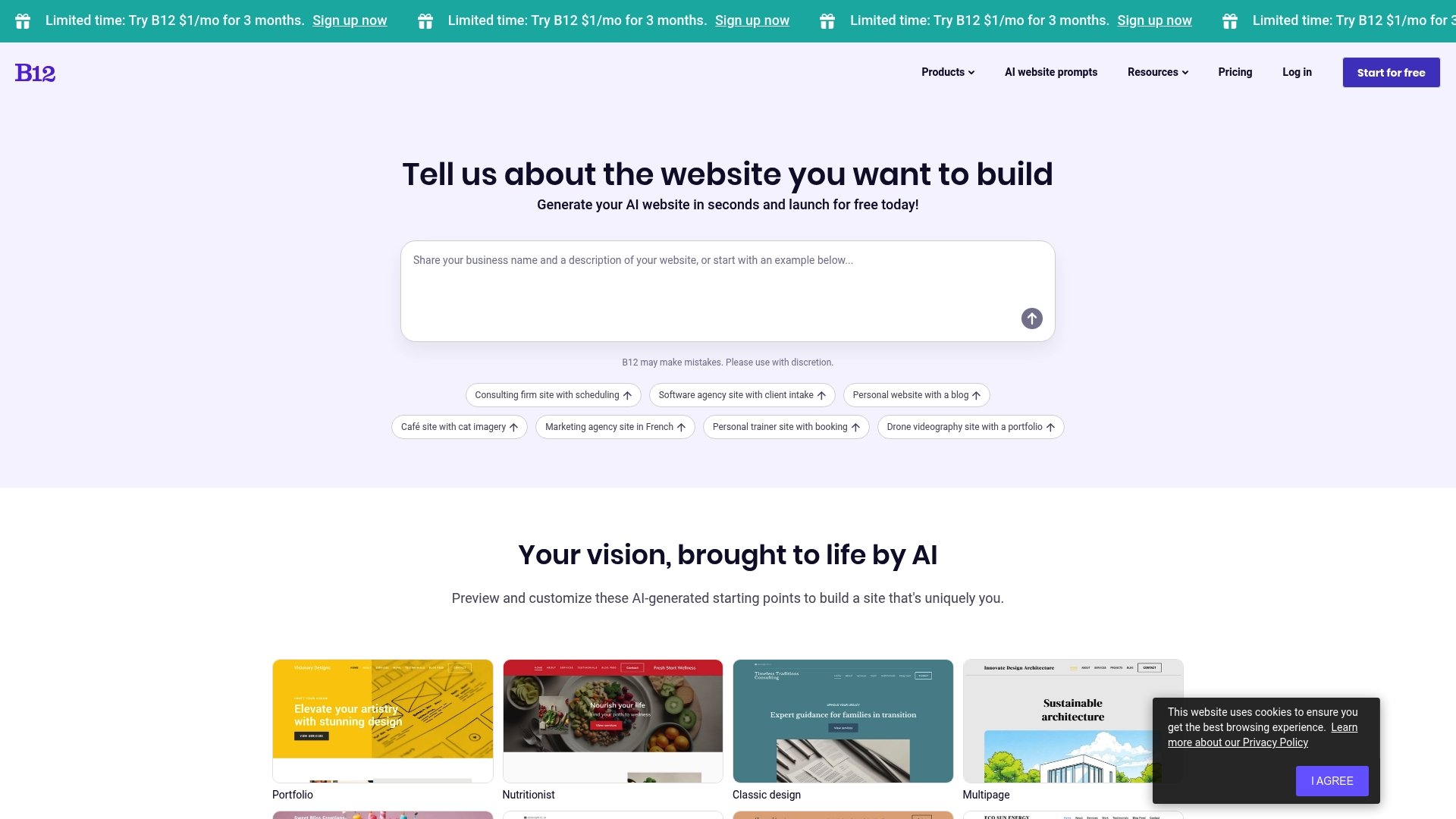
B12 uses AI website creation to turn a short description into a live site fast. The workflow is friendly for freelancers who want a polished portfolio without technical setup. You get ready made industry templates plus tools for editing and on page SEO. Expect quick results and the option to refine or hire professional help when you want more control.
Core Features
B12 centers on AI website creation from description that builds a complete site using your text and preferences. The platform includes customization and editing tools so you can tweak layout, copy, and images after the initial build. Industry specific templates speed setup for niches like consulting, photography, and real estate. Integration with third party tools and on page SEO optimization and analytics tools help you manage traffic and client interactions without extra plugins.
Pros
- Fast automated generation: B12 converts a short description into a functioning website quickly, saving hours of setup work.
- Beginner friendly: The process is simple for non technical users so you can publish a professional site without coding.
- Wide industry templates: Templates tailored to specific professions let you start with relevant layouts and sections.
- Refinement options available: You can edit the site after AI creation to match your voice and brand.
- Supports varied business needs: Features like booking and intake support make it useful for service based freelancers.
Cons
- Limited feature detail provided: The source content does not list deep technical specifics which makes it hard to compare advanced capabilities. This leaves unanswered questions about customization limits and developer access.
- Potential additional costs: Advanced features or professional design help may require extra fees beyond the base offering, which raises long term pricing uncertainty.
- Requires subscription and internet: Full access depends on a subscription and an active internet connection, which adds ongoing cost and prevents offline editing.
Who It's For
B12 suits freelancers and small business owners who need a fast professional web presence without learning code. If you work in consulting, creative services, coaching, or real estate and want a site that handles bookings and client intake, this platform is a practical match. Use B12 when speed matters and you prefer starting with a tailored template.
Pricing
Full pricing is not detailed in the provided content. The information includes a promotion to try B12 for $1 per month for three months, after which standard subscription pricing likely applies.
Website: https://b12.io
Webflow
At a Glance
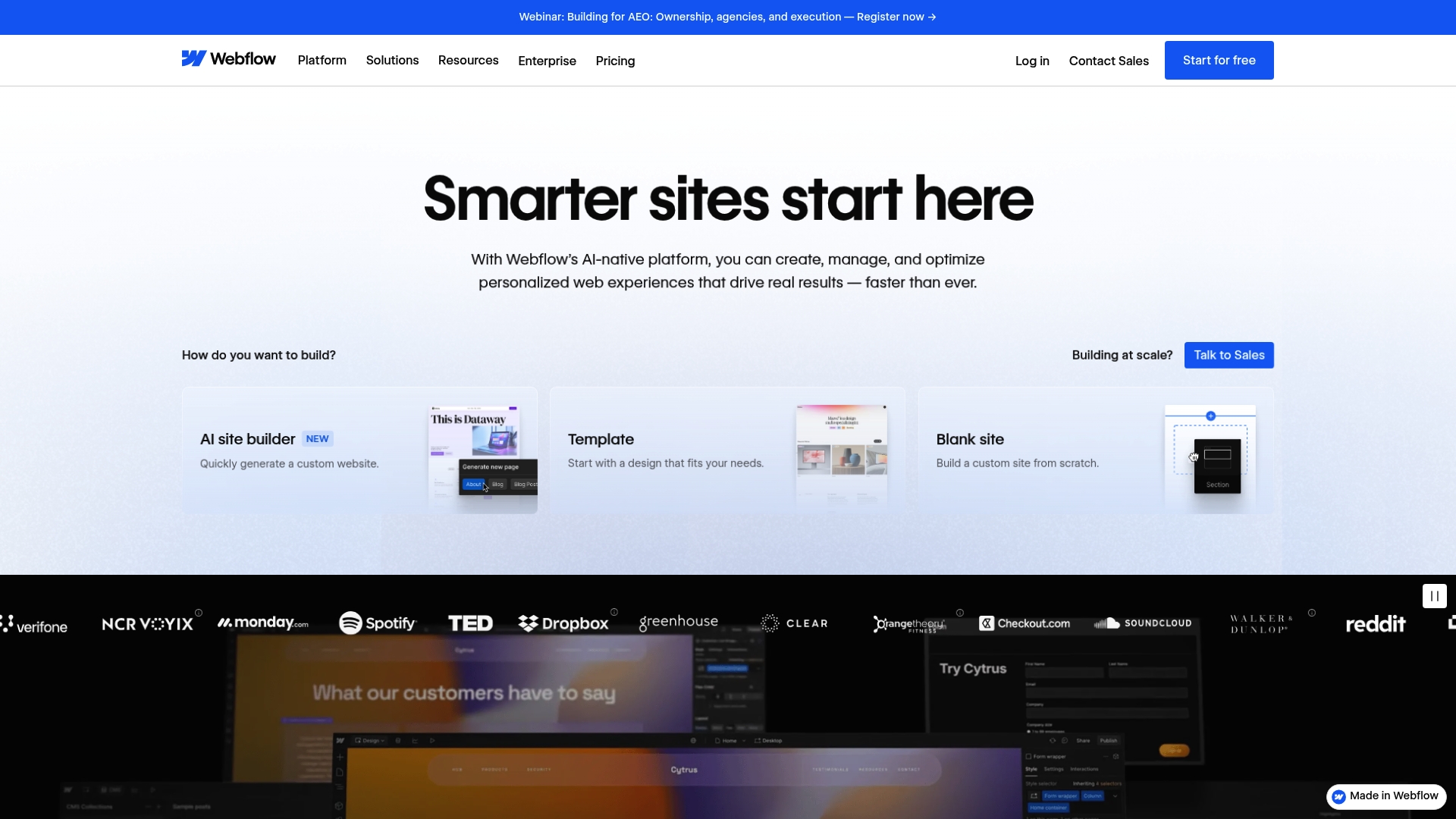
Webflow is a visual web design and development platform that lets you build, manage, and optimize sites without writing code. It combines visual website design and build tools with a Content Management System (CMS) and hosting so you can design and publish from the same place. Freelancers get powerful SEO, e commerce, and AI features that scale from a simple portfolio to team projects. Bottom line: Webflow gives you professional control, but advanced features come with a learning curve and higher cost for team use.
Core Features
Webflow centers on three core capabilities that matter for freelancers. First, the visual website design and build tools let you craft layouts, interactions, and animations with pixel level control while avoiding manual coding. Second, the Content Management System (CMS) supports blogs, portfolios, and dynamic content so you can update client work quickly. Third, the platform provides AI powered site builder features, SEO and performance optimization, plus scalable hosting and security services to keep sites fast and reliable. Collaboration tools and third party integrations round out a stack suited for solo pros and agencies alike.
Pros
- No coding required for design and content management: You can create polished sites without writing HTML or CSS while still getting precise visual control.
- Robust collaboration and workflow tools for teams: Shared workspaces and project controls help when you bring a client or a contractor into the process.
- Wide range of features including SEO, AI, and e commerce integrations: You get built in SEO tools, AI content and site generation, and e commerce support so a single platform handles many needs.
- Scalable solutions for small businesses to enterprise levels: Freelancers can start with a portfolio and grow into team plans without replatforming.
- Trusted by prominent brands with a strong community and support system: A vibrant community and documentation reduce time spent troubleshooting common issues.
Cons
- Pricing can be expensive for larger teams or enterprise features: Team and enterprise capabilities require higher tier plans that increase monthly costs.
- Learning curve for advanced design and collaboration features: Mastering interactions, CMS logic, and team workflows takes practice and time.
- Some limitations in code export and customization for developers: Developers who need full backend control will find platform boundaries when exporting or extending code.
- Dependence on Webflow platform for hosting and backend: Hosting and backend services are tied to the platform which limits self hosted options.
- Complex plans may be overwhelming for small startups or individual users: Multiple plan types with different feature sets can feel confusing when you only need a simple site.
Who It's For
Webflow suits designers, marketers, and freelancers who want visual control without constant coding. If you build client portfolios, produce conversion focused landing pages, or offer SEO and content services you will benefit. Choose Webflow when you need a platform that grows from single projects to collaborative client work.
Pricing
Webflow offers a free starter plan with basic features. Paid plans start at $14 per month for basic site needs and extend to custom pricing for enterprise solutions based on specific requirements.
Website: https://webflow.com
Website Builder Tools Comparison Table
This table provides an overview of six popular website builder tools, summarizing their key features, target audiences, pros, cons, pricing, and unique offerings. Use this table to quickly identify the best option for your needs.
| Tool | Key Features | Target Audience | Pros | Cons |
|---|---|---|---|---|
| Wix | AI website builder, 900+ templates, scheduling, eCommerce | Freelancers and small businesses looking for fast site creation | Drag-and-drop editor, comprehensive platform, flexible plans | Paid plans for advanced features, limited customizations |
| Squarespace | AI design tool, templates, eCommerce, hosting, domains | Entrepreneurs and creatives needing professional sites | All-in-one platform, appealing templates, solid SEO features | High costs for premium features, less flexibility for customization |
| GoDaddy | Domain registrar, hosting, site builder, email integration | Small business owners wanting streamlined setup | Easy interface, strong support, bundled services | Pricing details unclear, upselling practices |
| The Free Website Guys | Free professional web design, mobile-ready, SEO-first sites | Startups and individuals without development budgets | No cost, secure features, customer satisfaction | Limited acceptance, basic sites only |
| B12 | AI-assisted site generation, niche templates, SEO tools | Service providers and specialists needing fast setup | Fast creation, editable templates, business tools | Subscription dependency, limited customization |
| Webflow | No-code visual design, CMS, scalable hosting, AI tools | Designers needing precision and scalability | Robust controls, community support, scalable for enterprise | Steeper learning curve, costlier advanced features |
Simplify Your Website Journey with Expert Support
Building a professional freelancing website fast while juggling client work can feel overwhelming. The article highlights challenges like managing multiple platforms, learning new tools, and scaling site features without extra tech headaches. If you want to skip the steep learning curve of AI website builders and drag and drop editors but still need a polished, fully functional site with hosting and ongoing maintenance we have you covered.
Vegas Solutions specializes in helping freelancers and small businesses like yours get a complete website handled smoothly. From design and hosting to security and updates we take care of the tech details so you focus on growing your business. When you join us you get one point of contact, simple language, and fast turnaround for a stress free experience you can start with a $69 demo.
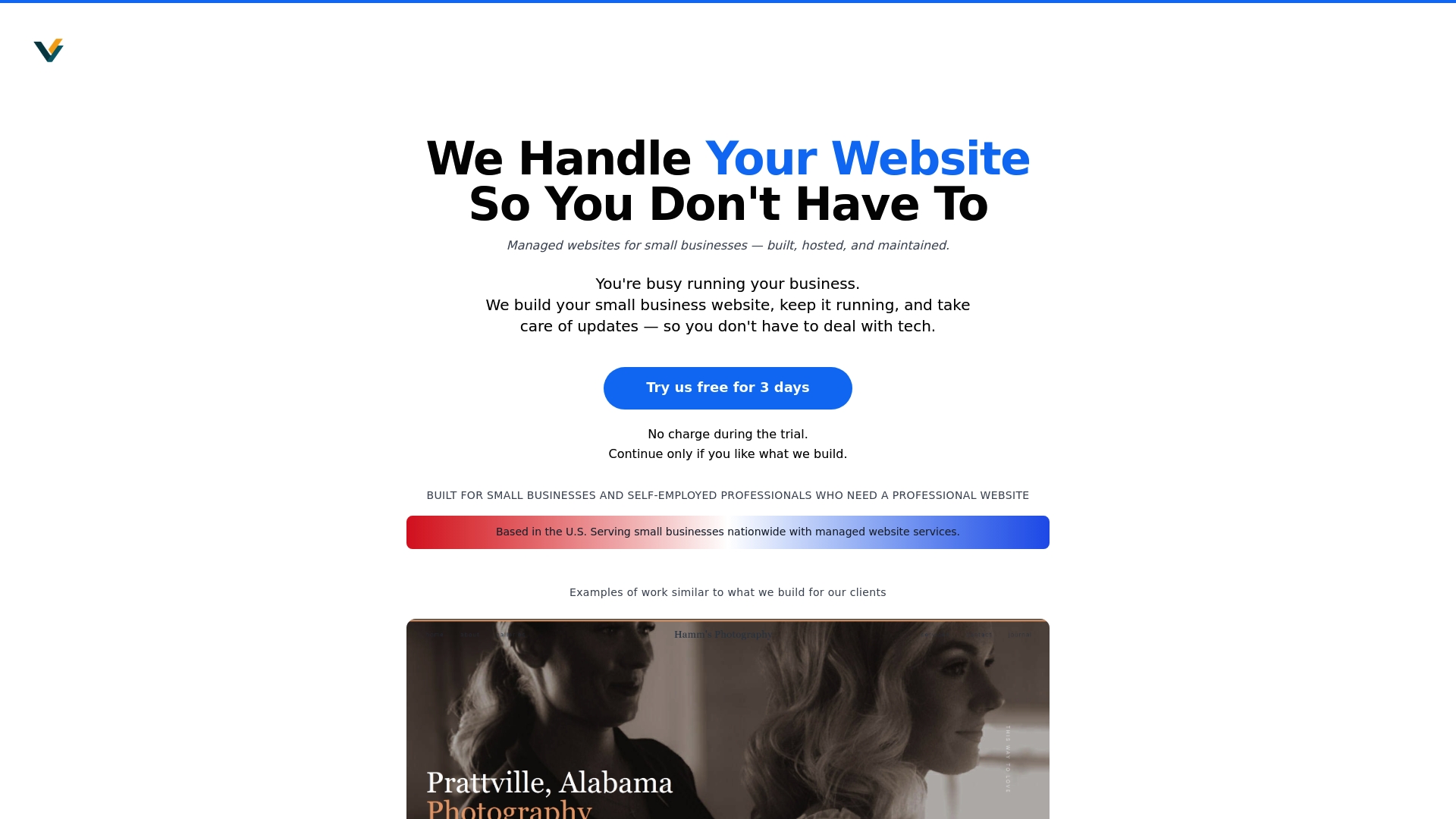
Ready to leave website worries behind? Try our trusted service today at Vegas Solutions and get a professional website built, hosted, and maintained without hassle. See why so many freelancers choose Vegas Solutions as their all in one partner and experience what it means to have your web presence fully managed. Take the next step and request your $69 demo now at https://vegassolutions.tech.
Frequently Asked Questions
What features should I look for in a website builder for freelancers?
Choose a website builder that offers user-friendly design tools, eCommerce capabilities, and integrated business solutions. Focus on builders that allow easy template customization and provide hosting and security to streamline your setup process.
How can a website builder help me save time as a freelancer?
A good website builder can expedite the site creation process with drag-and-drop functionality and AI assistance. Aim to set up your site in just a few hours instead of days or weeks, allowing you to focus more on your projects.
Are website builders suitable for creating eCommerce sites?
Yes, many website builders are designed with built-in eCommerce tools to help freelancers sell products or services online. Consider what eCommerce features you need, such as payment processing or inventory management, to ensure the platform meets your business goals.
How do I choose the right pricing plan for my freelance website?
Evaluate your project needs and select a pricing plan that aligns with the features you require like domain registration or advanced marketing tools. Start with a basic plan and upgrade as your services grow, giving you greater flexibility as a freelancer.
Can I customize my website after using a builder?
Most website builders allow for ongoing customization even after initial setup. Regularly revisit your site to tweak design elements, add new content, or optimize for SEO to keep your online presence fresh and engaging.
What is the benefit of using templates in website builders?
Templates provide a professional starting point, allowing you to create a polished website quickly without starting from scratch. Choose templates that fit your brand style and easily modify them to match your specific content and goals.


