

Most American small business owners in creative fields agree that designing a website can quickly become confusing without a clear plan. The right online presence is often the difference between landing dream clients and missing out on new opportunities. By focusing on straightforward steps and smart organization, you can build a strong foundation for your creative services website—no tech skills required. Nearly 75 percent of American consumers say a well-designed website is key to trusting a business.
Table of Contents
- Step 1: Identify Business Goals And Target Audience
- Step 2: Gather Brand Assets And Essential Content
- Step 3: Select Platform And Hosting Based On Needs
- Step 4: Organize Website Structure And Navigation
- Step 5: Review Website Plan For Clarity And Usability
Quick Summary
| Key Point | Explanation |
|---|---|
| 1. Define business goals clearly | Establish clear objectives to guide your website design and messaging tailored to your target audience. |
| 2. Gather all brand assets | Collect essential visual and content materials like logos and service descriptions to establish a consistent brand identity. |
| 3. Choose the right platform | Select a website platform that fits your technical skills and business needs for optimal performance and usability. |
| 4. Design intuitive site navigation | Create a clear structure to help visitors quickly find information and understand your services without confusion. |
| 5. Review for usability | Conduct a thorough review of your website to identify any barriers that could prevent potential clients from engaging with your services. |
Step 1: Identify business goals and target audience
Understanding who you want to serve and what you want to achieve is the critical first step in creating a successful website for your creative services. Your business goals and target audience will shape every aspect of your online presence, from design to messaging.
To pinpoint your specific goals, start by asking yourself fundamental questions about your business. What services do you provide? Who are your ideal clients? What problems do you solve for them? Identifying your target audience involves understanding their behaviors, demographics, and unique needs. For creative professionals, this might mean defining whether you work with small businesses, individual clients, or specific industries like marketing agencies, photographers, or graphic design firms.
Dig deeper by creating detailed audience personas. Consider factors like age range, income level, professional challenges, and communication preferences. If you are a graphic designer, your target audience might be tech startups seeking branding services. If you are a web developer, you could focus on small businesses needing responsive website design. Prioritizing primary and secondary audiences helps focus your communication efforts, ensuring your website speaks directly to those most likely to hire your services.
Pro tip: Create a one-page document outlining your business goals and target audience details to serve as a consistent reference point throughout your website planning process.
Step 2: Gather brand assets and essential content
Now that you know your business goals and target audience, it is time to collect the foundational elements that will bring your creative services website to life. Brand assets are the visual and strategic building blocks that communicate your unique identity and professional essence.
Managing brand assets effectively is critical for creating a recognizable brand identity. Start by gathering your core visual materials including high resolution logo files in multiple formats (PNG, JPEG, vector SVG), your brand color palette, professional headshots, and portfolio imagery. Collect your brand style guidelines which should specify typography choices, color codes, and acceptable logo variations. For creative professionals, these assets are not just design elements but powerful communication tools that represent your professional narrative.

Beyond visuals, compile your essential content elements. This includes a clear and compelling service description, professional biography, client testimonials, contact information, and an overview of your unique value proposition. Focus on crafting concise yet engaging text that speaks directly to your target audience. Organize these materials in a single digital folder for easy access during website development, ensuring you have all necessary components ready for your web designer or development process.
Here's a summary of essential brand assets and their roles:
| Brand Asset | Purpose | Business Impact |
|---|---|---|
| Logo files | Establishes brand identity | Creates immediate recognition |
| Color palette | Ensures visual consistency | Reinforces brand professionalism |
| Professional headshots | Humanizes your services | Builds trust with visitors |
| Portfolio images | Showcases work quality | Demonstrates expertise directly |
| Style guidelines | Defines brand standards | Maintains unified look and feel |
| Service description | Clarifies offerings | Attracts the right clients |
Pro tip: Create a comprehensive digital brand asset folder with subfolders for different file types and formats, making it simple to locate and share exactly what you need.
Step 3: Select platform and hosting based on needs
Choosing the right website platform and hosting solution is a critical decision that will impact your creative services website's performance, functionality, and user experience. This step requires careful consideration of your technical skills, budget, and specific business requirements.
Selecting a platform depends on your website's purpose, required features, and available technical skills. For creative professionals, options range from user friendly website builders with drag and drop interfaces to more robust content management systems. If you want a simple portfolio site, platforms like Squarespace or Wix offer beautiful templates and easy customization. For more complex websites requiring advanced functionality, WordPress provides greater flexibility and control.
Web hosting plays a crucial role in your site's speed, security, and reliability. Consider factors like performance, customer support, and scalability when evaluating hosting providers. Cloud hosted platforms with SSL certificates, automatic backups, and content delivery networks can provide enhanced security and faster loading times. Small creative businesses might start with shared hosting plans and upgrade as their online presence grows, ensuring their website can handle increased traffic and evolving business needs.
Pro tip: Schedule demos or free trials with multiple platforms to hands on test their interfaces and features before making a final commitment.
Compare popular website platforms for creative professionals:
| Platform | Ease of Use | Customization | Best For |
|---|---|---|---|
| Squarespace | Very easy, intuitive | Moderate, template-based | Portfolios, simple sites |
| Wix | Drag and drop simplicity | Moderate, flexible templates | Creative freelancers |
| WordPress | Moderate to advanced | Highly customizable | Blogs, scalable sites |
| Shopify | User-friendly for e-commerce | Good, focused on sales | Creative selling products |
Step 4: Organize website structure and navigation
Designing an intuitive website structure is crucial for helping potential clients quickly find the information they need and understand your creative services. Your website navigation should act like a roadmap that guides visitors seamlessly through your professional story and offerings.
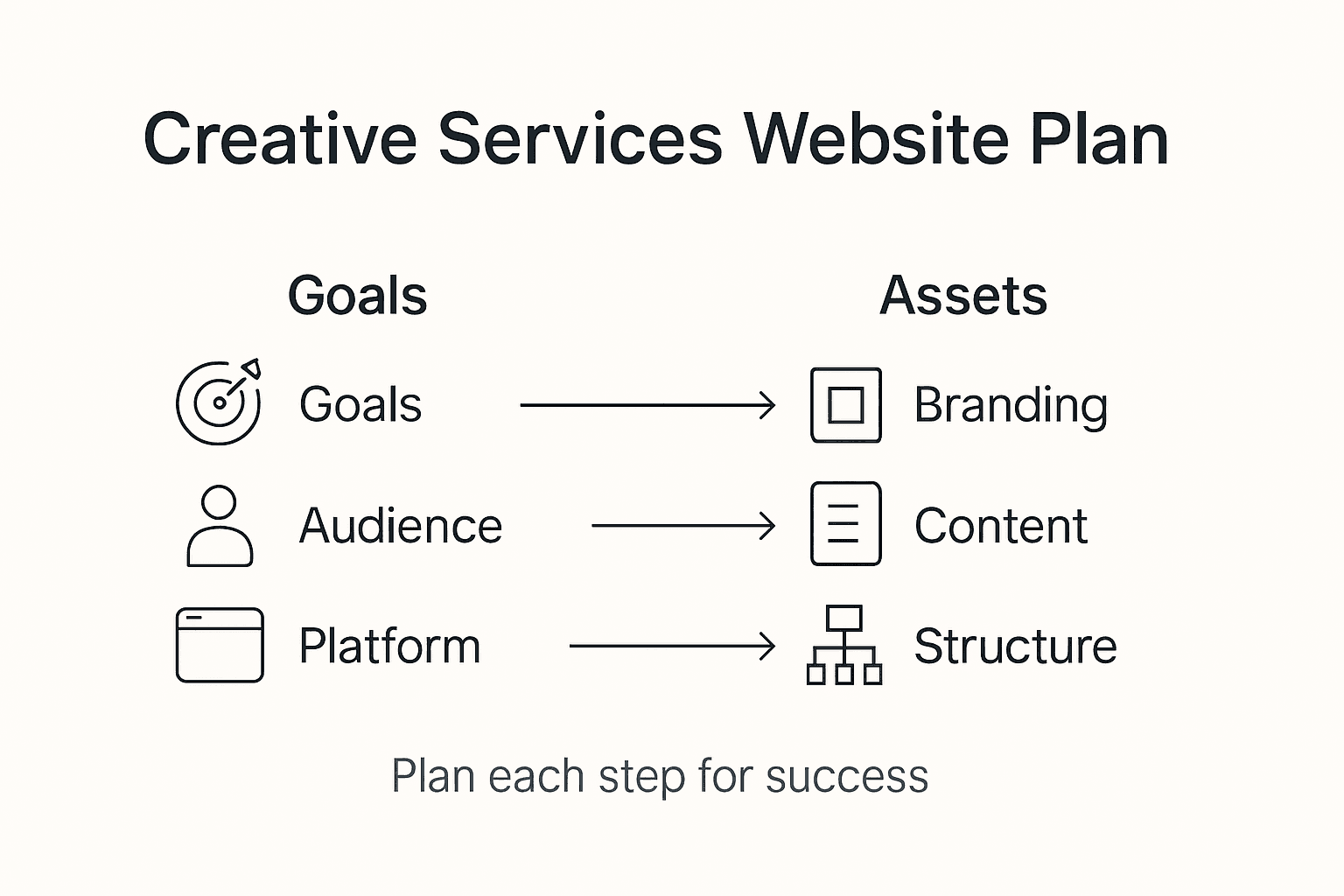
Start by creating a clear hierarchy of pages that reflects your business goals and client needs. For creative professionals, this typically means organizing your site into key sections such as Portfolio, Services, About Me, Client Testimonials, and Contact. Think from your potential client's perspective the moment they land on your site. What questions are they asking? What information do they want to find first? Your main navigation menu should answer these questions with logical, descriptive labels that are straightforward and easy to understand.
Consider the user journey and create a logical flow between pages. Your homepage should provide a quick overview of your services and personality, with clear pathways to more detailed information. Ensure that each page is no more than three clicks away from any other page, preventing visitor frustration. Include clear call to action buttons that guide visitors toward taking the next step scheduling a consultation, viewing your portfolio, or requesting a quote. Prioritize simplicity and clarity over complexity navigation should feel effortless and intuitive for someone discovering your creative services for the first time.
Pro tip: Test your website navigation with friends or colleagues who are not familiar with your business and gather their feedback on how easily they can find key information.
Step 5: Review website plan for clarity and usability
Before finalizing your website design, conducting a thorough review ensures your creative services website communicates effectively and provides an exceptional user experience. This critical step helps identify potential barriers that might prevent potential clients from understanding your professional value and taking action.
Evaluating a website's quality involves assessing usability, content effectiveness, design, functionality, and user satisfaction. Start by critically examining your website structure through multiple lenses. Check that your navigation is intuitive and each page communicates its purpose clearly. Pretend you are a potential client seeing your website for the first time. Can you quickly understand what services you offer? Is it obvious how to contact you or view your portfolio? Eliminate any unnecessary complexity that might confuse or frustrate visitors.
Gather feedback from trusted colleagues, professional peers, or potential clients who match your target audience. Ask them to walk through your website plan and provide honest insights about their first impressions. Pay special attention to their initial reactions and any moments of confusion. Look for patterns in their feedback that might indicate areas needing simplification or clarification. Remember that your website should feel welcoming and easy to understand within the first few seconds of someone landing on your page.
Pro tip: Create a spreadsheet to systematically track and prioritize feedback from different reviewers, allowing you to objectively evaluate suggested improvements.
Simplify Your Creative Services Website Planning with Expert Support
Planning a business website for creative services can be overwhelming. From identifying your target audience and gathering brand assets to choosing the right platform and perfecting navigation every step demands clarity and focus. Common challenges include technical confusion, managing brand consistency, and ensuring your website truly speaks to your ideal clients. The article highlights key goals such as clear service descriptions, intuitive navigation, and seamless user experience — all essentials to convert visitors into paying clients.
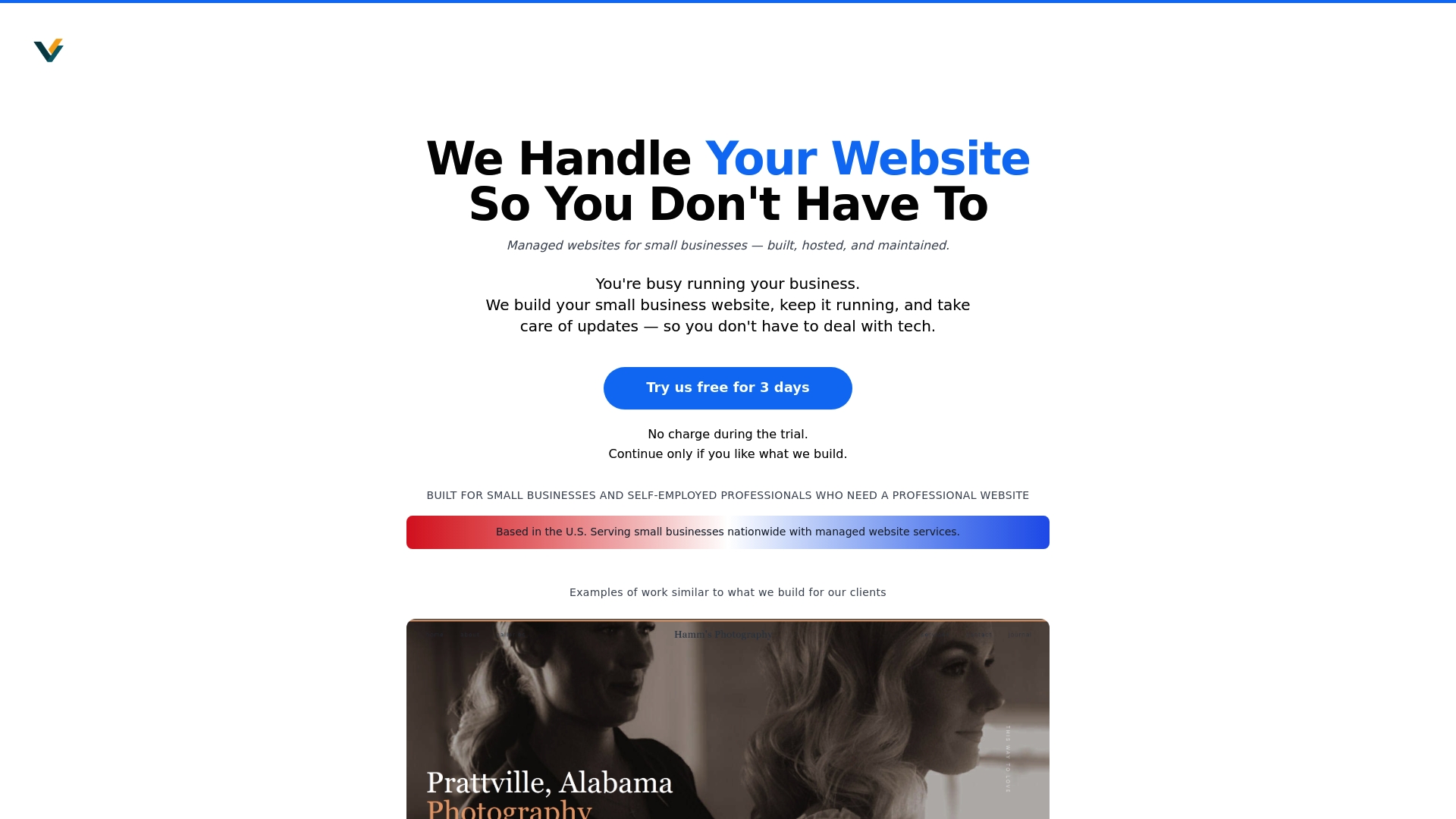
Avoid the frustration of website headaches and technical guesswork. At Vegas Solutions, we take care of building, hosting, and maintaining your website while you focus on your creative work. With one point of contact and straightforward communication, you get fast turnarounds and ongoing support that aligns perfectly with your business goals. Start with our refundable $69 demo and see how easy it is to have a fully handled website that brings your creative services to life. Visit Vegas Solutions and experience a stress-free web presence that truly represents your unique brand and vision.


