
Small Business Web Design Guide for Hassle-Free Success

Trying to grow your local business without a clear website plan often leads to a site that looks good but does little to attract real customers. Knowing exactly what your website should achieve guides every choice you make, from page structure to what features are truly needed. This guide explains how defining broad goals and specific objectives right from the start can help you build an easy and effective site that brings more of the right customers through your door.
Step 1: Identify key website goals and features
Before you build or redesign your website, you need to know what you want it to do. This step is about getting clear on your website's purpose and what it should accomplish for your business. Without this clarity, you end up with a site that looks nice but doesn't actually help you reach your customers or grow your business.
Start by asking yourself some honest questions about what you want your website to achieve. Are you trying to generate more phone calls from potential customers? Do you want people to book appointments directly online? Maybe you need to build trust and credibility in your local market, or you want to showcase your work with a portfolio. A broad goal is something like "increase customer inquiries," while a specific objective is "generate 10 qualified phone calls per week from the website." Your specific objectives should be measurable, so you can actually track whether your website is doing its job.
Once you know your main goals, identify the features that support those goals. If you want people to call you, make your phone number prominent and clickable on every page. If you want online bookings, you need a scheduling tool. If you want to build credibility, you need customer testimonials and clear information about what you do. Don't get caught up trying to include every possible feature. Stick to what actually helps you reach your business goals. Too many businesses waste time on features nobody uses while neglecting the ones that actually drive results.
Think about what your customers need from you as well. If you're a plumber, people want to know your service areas, see examples of your work, find your hours, and contact you quickly. If you run a personal training business, people want to see your qualifications, understand your training philosophy, and be able to check your availability. Your website should make it easy for the right customers to find you and take the next step, whether that's calling, booking, or visiting your location.
Step 2: Select the right platform and hosting
Choosing a platform and hosting provider is one of those decisions that feels overwhelming at first, but it doesn't have to be. Your platform is the foundation your website sits on, and your hosting is where your website actually lives on the internet. Getting this right means your site stays fast, secure, and accessible to your customers without constant technical problems.
When evaluating platforms, think about what your business actually needs versus what sounds fancy. There are builder platforms like Wix and Squarespace that handle hosting and design tools in one package, making setup simple for business owners without tech experience. There are also content management systems like WordPress that give you more flexibility but require a separate hosting provider. Some platforms focus on specific business types like restaurants or service providers. The key is matching the platform's strengths to your goals. If you need simple online booking, prioritize a platform with strong scheduling features built in. If you need a portfolio to showcase your work, look for platforms with excellent image display and organization. Don't choose based on what everyone else uses or what has the most features. Choose based on what actually supports your business goals.
Hosting quality matters more than most business owners realize. Poor hosting means your site loads slowly, goes down when you get busy, and frustrates customers trying to reach you. When comparing hosting options, look at uptime guarantees (aim for 99.9 percent or higher), customer support availability (24/7 is ideal for local service businesses), and whether they include automatic backups and security features. These protections keep your business running smoothly and protect your customer data. Many newer platforms bundle hosting automatically, so you don't have to think about it separately, which removes a major headache from the equation.
One practical approach is to test platforms before fully committing. Most quality platforms offer free trials or money back guarantees. Spend a few days actually building and exploring to see if the interface makes sense to you and if the features work the way you need them to. This beats reading reviews from people with completely different businesses than yours.
Step 3: Design a clean and professional layout
Your website's layout is the first thing visitors notice, and it shapes whether they stay or leave. A clean, professional design isn't about being fancy or trendy. It's about making it easy for people to understand what you offer and take action. When your layout is cluttered, confusing, or outdated, potential customers assume your business is the same way.

Start by thinking about what someone sees when they first land on your site. Your homepage is like the front door to your business. It should immediately tell visitors who you are and what you do. Within the first few seconds, someone should know if they're in the right place. This means clear, honest messaging without jargon or hype. A clean, professional layout guides visitors naturally through your site without overwhelming them with unnecessary animations, pop-ups, or clutter. Think about how your eyes naturally move down a page. You see a headline first, then supporting information, then a clear action like a button to call you or book an appointment. That flow matters. When everything competes for attention equally, nothing gets attention.
Visual hierarchy is your secret weapon. This means making important things look more important. Your main headline should be bigger than your subheadlines. Your call to action button should stand out visually from regular text. Your contact information should be easy to spot. Use white space generously. Cramming information into every corner makes your site feel chaotic. Breathing room between sections makes your content easier to read and your site easier to navigate. Choose a simple color scheme that reflects your business. One primary color and one accent color is often enough. Too many colors competing against each other creates visual noise.
Navigation should feel obvious. People should never have to hunt for what they need. Your menu should have clear categories like Home, About, Services, and Contact. Avoid clever menu names that make people guess what they'll find. Keep your homepage focused on your most important message. You can have an about page that builds trust, a services page that explains what you offer, and a contact page with multiple ways to reach you. Each page should have one clear purpose. The moment you try to do everything on one page, you end up doing nothing well.
Step 4: Add essential business information and visuals
Now that your layout is clean and organized, it's time to fill it with the information that makes your business real to potential customers. This step is about giving visitors the details they need to trust you, understand what you offer, and know how to reach you. Without this information, even the most beautiful website feels empty.
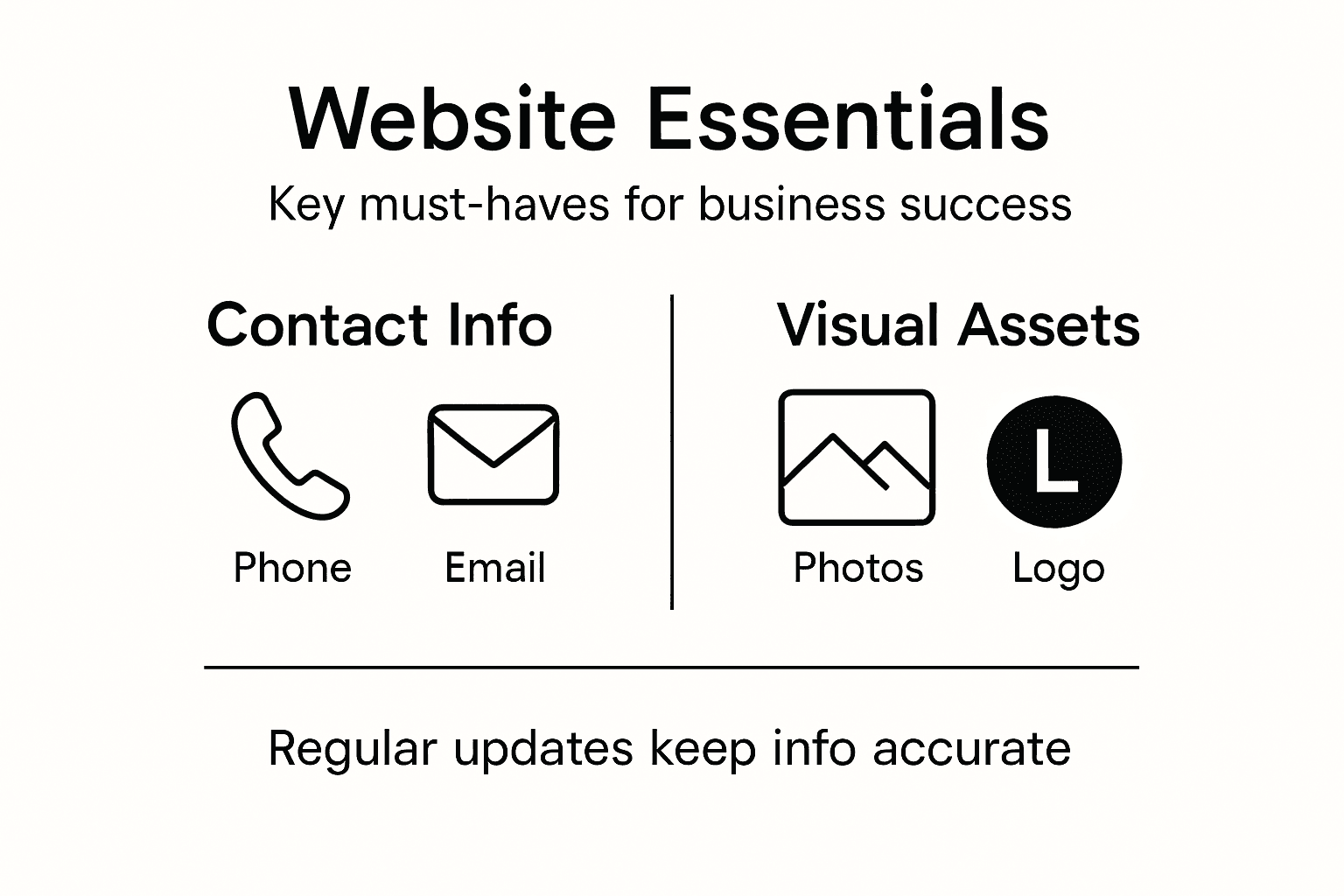
Start with your contact information. Make it visible and easy to find. Your phone number should appear in the header of every page, ideally clickable on mobile devices so people can call you with one tap. Include your physical address if you have a storefront or service area, your email address, and your business hours. If you're open late or have unusual hours, say so clearly. People often leave a website not because they don't like your business, but because they can't figure out how to contact you. Your about page tells your story in a way that builds trust. Share who you are, how long you've been in business, and why you do what you do. People buy from businesses they trust, and personal stories create that connection better than any marketing language. Include a professional photo of yourself or your team. A real face attached to your business is worth more than generic stock photos. Your services or products page should explain clearly what you offer and who it's for. Avoid industry jargon. If you're a plumber, say "we fix leaky faucets and repair burst pipes," not "we provide comprehensive hydro-mechanical solutions." Potential customers should immediately understand if you can help them.
Visuals matter enormously. High quality photos of your actual work speak louder than words. If you're a landscaper, show before and after photos of yards you've transformed. If you're a personal trainer, show your facility and happy clients. If you're a home organizer, showcase the spaces you've organized. These photos prove you deliver results. You don't need expensive professional photography to start. Many service business owners create excellent portfolio images with a smartphone and natural lighting. Video is increasingly important. A short video of you introducing yourself, explaining your process, or showing your work builds tremendous credibility. You don't need fancy production. A genuine 30 to 60 second video shot on your phone is more valuable than a polished but impersonal video. Include customer testimonials when you can. Even one genuine review from a satisfied customer carries more weight than pages of your own marketing copy. If customers have left positive reviews online, ask permission to feature a few on your website.
Step 5: Test website usability and launch online
Before you announce your new website to the world, you need to make sure it actually works the way you intended. Testing your website catches problems you might miss because you built it and know exactly where everything is. Real visitors won't have that advantage. They'll struggle with things that seem obvious to you, and you'll never know unless you test.
Start by testing on different devices. Open your website on a desktop computer, a tablet, and a smartphone. Does everything look right? Are buttons clickable and easy to tap on mobile? Can you read the text without squinting? Can you easily find your phone number and contact form? Try accessing your website on different internet speeds too. Sometimes a site that loads instantly on your fast home internet crawls when someone visits on their phone using slower data. Test all your forms and buttons. Click every link to make sure nothing is broken. Fill out your contact form to confirm that messages actually reach your inbox. Try to book an appointment if you have that feature. These aren't just technical checks. Website usability testing detects issues that frustrate visitors and prevent them from contacting you or buying from you.
Ask a few people to test your site for you. Pick people who represent your target customers. Give them simple tasks like "Find our phone number" or "Schedule an appointment" without telling them where to look. Watch what they do and where they struggle. Do they expect the phone number to be in the header but you put it in the footer? Do they look for your services page under a different name? This real-world feedback is invaluable. People often hesitate to tell you if something doesn't work well, but when you observe them actually using your site, you see the truth. Make changes based on what you learn. If multiple people struggle with the same thing, fix it before launch.
Once everything works smoothly, you're ready to launch. Set a specific launch date and let your existing customers know about it. Send an email to your contact list. Post on social media. Tell people in person. Your launch is a moment to celebrate and get the word out. After launch, keep monitoring. Check your contact form submissions. Ask new customers how they found you. Watch for broken links or pages that don't load correctly. Your website isn't something you finish and forget about. Small tweaks based on how people actually use your site will improve results over time.
Make Your Small Business Website Work For You Without The Headaches
Building and managing a website can feel overwhelming when you want clear goals and hassle-free results. This guide highlights common challenges like choosing the right platform, designing a professional layout, and making sure your site actually helps you get calls or bookings. You need a partner who understands these pain points and can take care of every detail from hosting to ongoing maintenance. Imagine focusing on your business instead of worrying whether your website is fast, secure, or easy to use on a phone.
At Vegas Solutions we specialize in helping small businesses and self-employed professionals reach their website goals without complex tech jargon or endless back-and-forths. We handle the design, hosting, and continuous support so your site stays reliable and effective. You can start with a $69 demo with no risk. Take the stress out of your online presence by learning more about our services and how we keep your site running smoothly at Vegas Solutions today.


