
Step by Step Website Design for Small Business Success

Choosing the right path for your business website can feel like sorting through a maze of confusing options and endless templates. With so many decisions to make, it is easy for small business owners to feel stuck or frustrated before the first page is even built. Practical steps like defining clear website goals and picking a simple design will help you move forward with confidence. This guide shows how to create a focused, user-friendly site that works for your business without the technical headaches.
Step 1: Define Your Website Goals and Content
Defining your website goals is the strategic foundation for creating a compelling online presence that drives real business results. By establishing clear objectives, you'll create a roadmap that guides every design and content decision moving forward.
Start by identifying your primary business objectives and how your website will support them. Clarifying content goals ensures your website becomes a powerful marketing tool rather than just a digital placeholder. Consider these key areas when defining your goals:
- Customer Acquisition: How will your website attract and convert potential clients?
- Brand Positioning: What message and value proposition will you communicate?
- Lead Generation: What specific actions do you want visitors to take?
- Information Sharing: What critical details must visitors understand about your business?
To make your goals meaningful, apply the SMART framework - ensuring they are Specific, Measurable, Achievable, Relevant, and Time-bound. Website goals should align with your broader organizational objectives while meeting audience needs.
Develop a clear content strategy that supports these goals by mapping out the specific pages, topics, and information you'll include. Consider your target audience's questions, pain points, and information requirements.
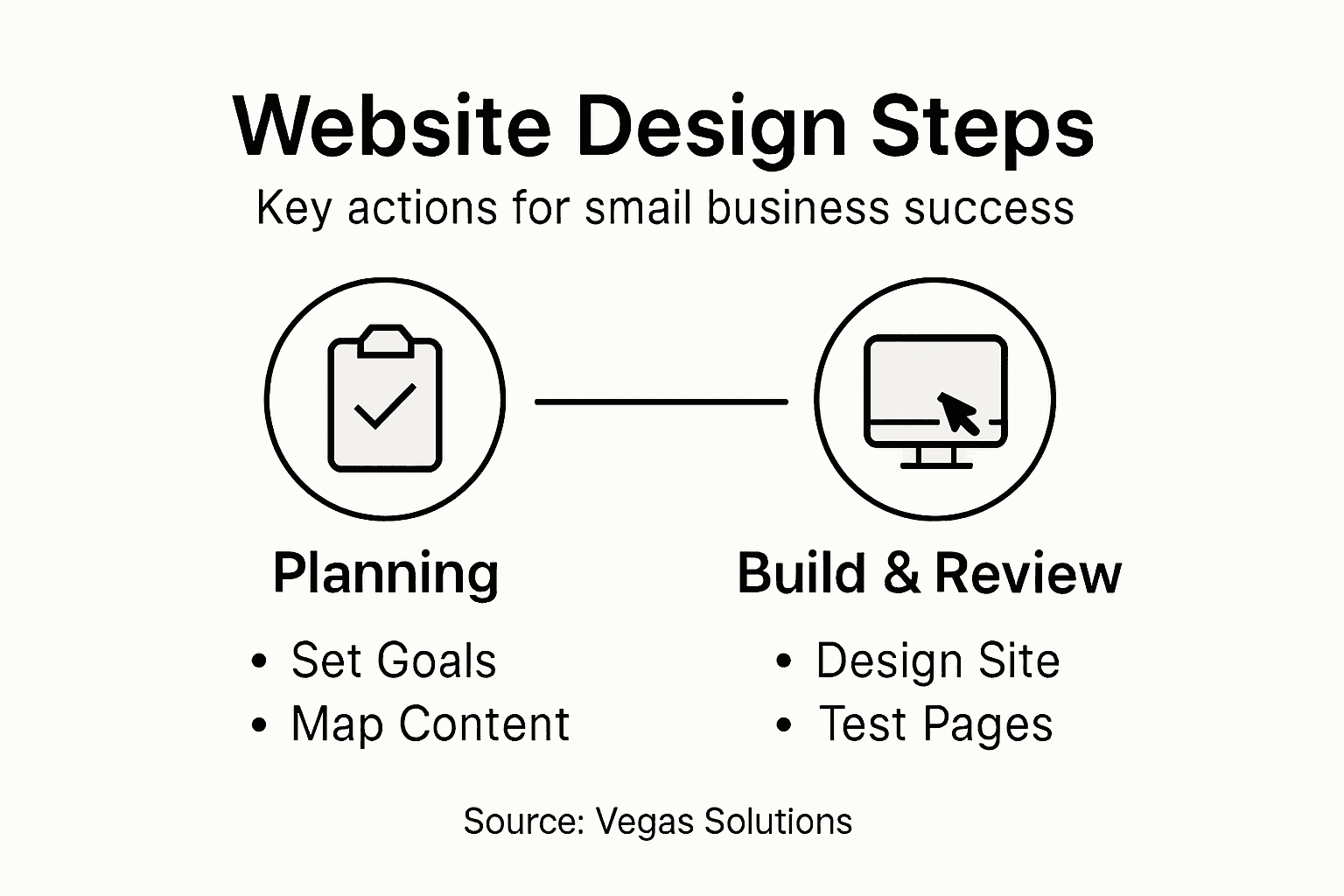
Here's how each website goal strategy aligns with business outcomes:
| Goal Strategy | Example Tactic | Business Impact |
|---|---|---|
| Customer Acquisition | Targeted landing page | Increased new client sign-ups |
| Brand Positioning | Strong visual identity | Improved brand recognition |
| Lead Generation | Conversion forms | More qualified sales inquiries |
| Information Sharing | Resource center | Better customer understanding |
Your website goals transform your digital presence from a simple online brochure into a strategic business asset.
Step 2: Select Your Design Style and Structure
Choosing the right design style and structure for your website is critical to creating a professional, engaging online presence that effectively communicates your business's unique value. This step transforms your website from a simple digital placeholder into a powerful marketing and communication tool.
Designing an effective website structure requires careful consideration of how you want to present your brand and guide visitor interactions. Consider these key design elements:
- Visual Identity: Color schemes that reflect your brand personality
- Layout Complexity: Clean, intuitive navigation that helps visitors find information quickly
- Typography: Readable fonts that enhance your professional image
- Responsive Design: Ensuring your site looks great on all devices
Your design choices should prioritize user experience and clarity. Using consistent formatting and logical organization improves readability and helps visitors navigate your site effectively.
Think strategically about your site's structure. Group related content together, create clear pathways for visitors, and ensure that each page serves a specific purpose in guiding potential customers toward your business goals.
Your website's design is the digital equivalent of a first impression - make it count.
Step 3: Build Your Website with Essential Features
Building a website with the right features is crucial for creating an effective online presence that attracts and converts potential customers. Your website needs to be more than just a digital brochure - it should be a powerful tool that actively supports your business goals.
Focus on incorporating these essential website features that will help you connect with your target audience:
- Contact Information: Clear, prominent contact details
- Service/Product Pages: Detailed descriptions of what you offer
- Call-to-Action Buttons: Strategically placed prompts that guide visitor actions
- Mobile Responsiveness: Seamless experience across all devices
- Customer Testimonials: Social proof that builds trust
Each feature should serve a specific purpose in your customer engagement strategy. Think about how visitors will interact with your site and what information they need to make a purchasing decision.

Prioritize user-friendly navigation that allows visitors to find information quickly and easily. Your website should have a logical structure that guides potential customers through a clear journey from initial interest to taking action.
Compare essential website features by their role and benefit:
| Feature | User Experience Role | Business Benefit |
|---|---|---|
| Clear Contact Info | Easy visitor outreach | More direct inquiries |
| Product/Service Pages | Informative browsing | Higher sales conversion rates |
| Testimonials | Builds trust quickly | Enhanced credibility for sales |
| Responsive Design | All-device usability | Reach wider audiences |
A well-designed website is your 24/7 sales representative, working continuously to attract and convert potential customers.
Step 4: Review and Test Your Website for Quality
Testing and reviewing your website is a critical final step that ensures your online presence meets professional standards and delivers an exceptional user experience. This is your opportunity to catch and correct any potential issues before launching your site to potential customers.
Performance testing tools help identify potential technical bottlenecks and user experience challenges. Conduct a comprehensive review using these key evaluation criteria:
- Functionality Check: Test all links, forms, and interactive elements
- Mobile Responsiveness: Verify site looks great on smartphones and tablets
- Loading Speed: Ensure pages load quickly across different devices
- Content Accuracy: Proofread all text for spelling and grammar errors
- Visual Consistency: Confirm design elements are uniform across pages
Break down your testing into systematic user experience assessments. Imagine yourself as a potential customer navigating your site for the first time. Look for any potential friction points or confusing navigation that might prevent someone from taking action.
Consider asking friends, colleagues, or even potential customers to provide honest feedback about their experience using your website. External perspectives can reveal insights you might have missed during your own review.
A meticulously tested website communicates professionalism and builds immediate trust with potential customers.
Step 5: Launch and Maintain Your Website Easily
Launching your website marks the exciting transition from planning to a live digital presence that represents your business. Now you'll transform your carefully crafted design into an active online platform that connects with potential customers.
Website maintenance platforms offer powerful tools to simplify the technical aspects of keeping your site running smoothly. Focus on these key maintenance strategies:
- Regular Content Updates: Keep information current and relevant
- Security Monitoring: Check for potential vulnerabilities
- Performance Tracking: Use analytics to understand visitor behavior
- Software Updates: Maintain latest plugins and website technology
- Backup Systems: Protect your website data consistently
Your website management approach should balance proactive maintenance with minimal technical complexity. Think of your site as a living digital asset that requires periodic attention but doesn't demand constant hands-on intervention.
Consider using integrated website builders that offer built-in maintenance features, reducing the technical overhead and allowing you to focus on your core business activities. Automated tools can handle many routine tasks, from security scans to performance optimization.
A well-maintained website is your silent ambassador, working continuously to attract and engage potential customers.
Simplify Your Small Business Website Journey with Vegas Solutions
Designing a website that truly supports your small business goals can feel overwhelming. From defining clear objectives to choosing the right design and ensuring mobile responsiveness the challenges pile up fast. The article highlights the importance of turning your website into a strategic business asset that attracts customers, builds trust, and keeps your content fresh without causing tech headaches.
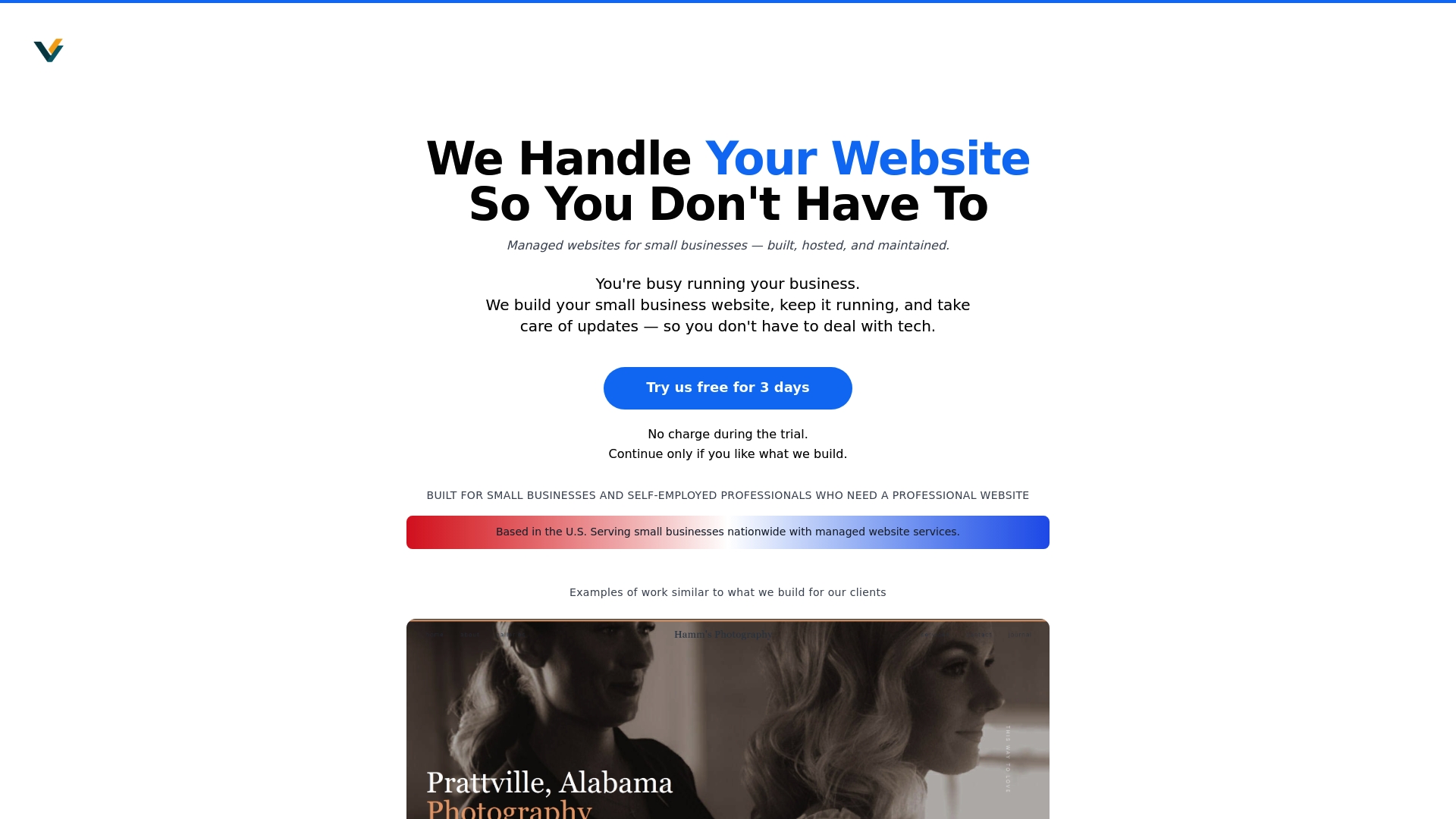
At Vegas Solutions we understand these pain points. We specialize in building, hosting, and maintaining websites for small businesses and self-employed professionals so you can focus on what matters most. With one point of contact and simple language, we handle everything from the smart website structure to ongoing updates and security monitoring. You can start with a $69 demo and only continue if it feels like a good fit.
Take control of your website goals today without the stress. Visit Vegas Solutions to get started and discover how easy launching and maintaining your business website can be. Let us turn your online presence into a silent ambassador that works nonstop to grow your success.


