

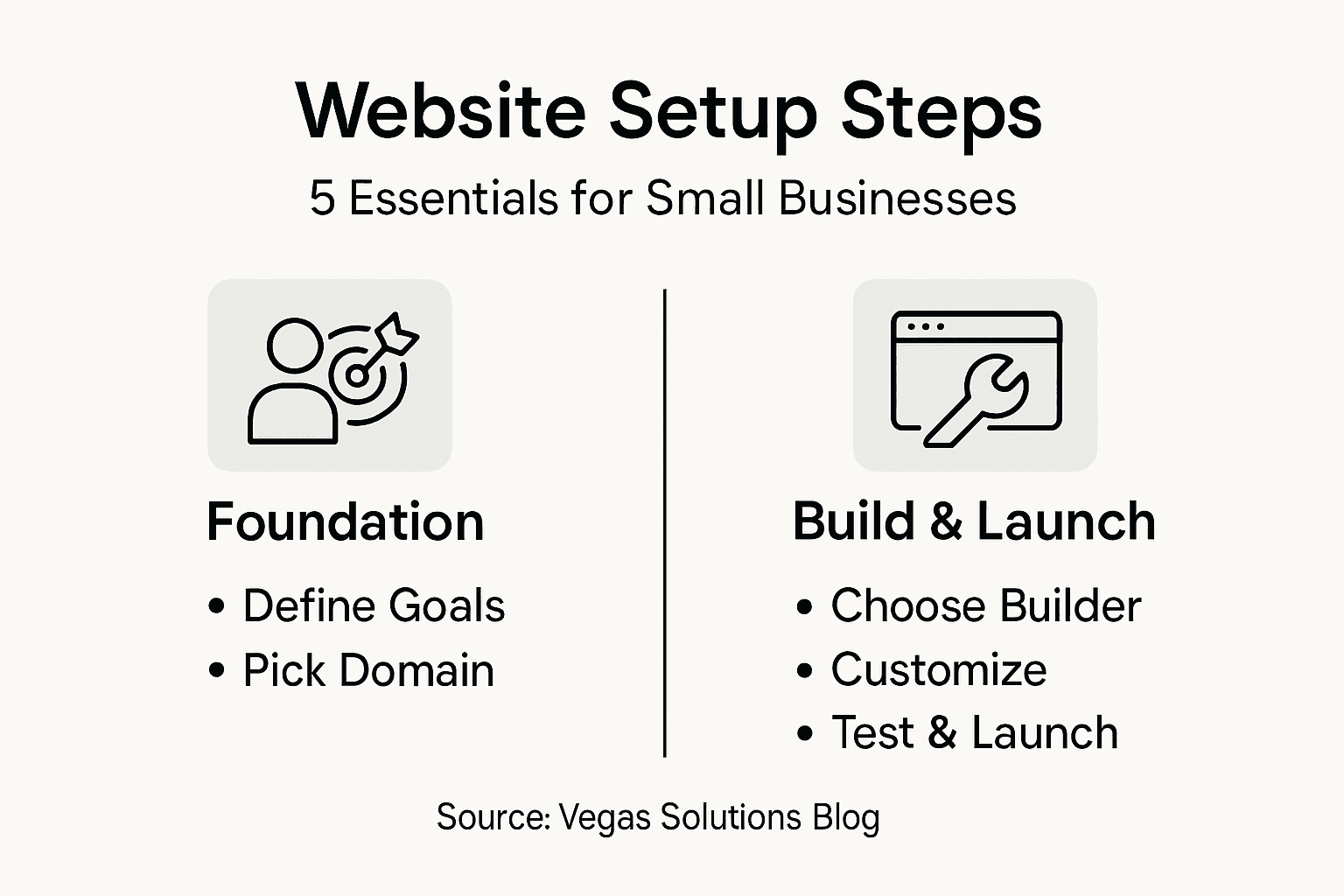
Nearly half of American small businesses still do not have a website, even though most customers now search online before choosing a local service. For self-employed professionals, a clear, simple website is often the first step to building trust and attracting new clients. This easy guide breaks down each website setup step so any American business owner can launch their digital presence smoothly and confidently.
Table of Contents
- Step 1: Identify Your Website Goals And Needs
- Step 2: Choose And Register Your Domain Name
- Step 3: Select A Website Builder And Host
- Step 4: Customize Your Website Design And Content
- Step 5: Test And Launch Your Website Online
Quick Summary
| Key Point | Explanation |
|---|---|
| 1. Define clear website goals | Establish specific objectives to align your site with business needs and strategies, like lead generation or product sales. |
| 2. Choose a memorable domain name | Select a short, relevant domain that reflects your brand, avoiding difficult spellings for easier customer access. |
| 3. Select user-friendly website builder | Opt for a website builder that allows easy management and includes essential features for your business's online presence. |
| 4. Customize design and content effectively | Create a unique website identity by tailoring your design and content to resonate with your target audience and communicate value. |
| 5. Conduct thorough testing before launch | Ensure all website functions work correctly and verify responsiveness across devices, providing a seamless experience for users. |
Step 1: Identify your website goals and needs
Building a successful website starts with crystal clear goals. Your website serves as your digital storefront, representing your business online and attracting potential customers. Understanding your specific objectives helps create a focused, effective web presence that truly supports your business strategy.
Begin by asking yourself key questions about your business needs. What primary purpose will your website serve? Are you looking to generate leads, sell products directly, showcase your portfolio, or provide information about your services? Defining website requirements early ensures you develop a site that meets your specific business objectives. Map out your target audience and their expectations carefully. Consider the type of content they want to see, the problems they need solved, and how your website can deliver value.
Your website goals should align closely with your broader business strategy. Track specific metrics like visitor engagement, contact form submissions, or online sales to measure your website's performance. This data will help you continuously refine and improve your digital presence.
Pro tip: Create a one page document outlining your website goals, target audience, and key performance indicators before starting design work.
Step 2: Choose and register your domain name
Your domain name is your online address the unique identifier that helps customers find your business on the internet. Selecting the right domain name is a critical first step in establishing your digital presence and creating a memorable brand identity.

Choosing an effective domain name requires careful consideration. Aim for a name that is short, memorable, and closely reflects your business name or primary service. Avoid complicated spellings or unusual punctuation that might confuse potential visitors. Check domain availability across multiple platforms and consider purchasing similar variations to protect your brand. Verify that your chosen name is not already trademarked and represents your business professionally.
When registering your domain, select a reputable domain registrar that offers reliable service and reasonable pricing. Most registrars provide tools to quickly check domain availability and suggest alternative options if your first choice is taken. Remember that your domain name will be a key part of your marketing strategy, so take time to select something that resonates with your target audience and communicates your business value.
Pro tip: Purchase your domain for multiple years to secure better pricing and demonstrate long term commitment to your online presence.
Step 3: Select a website builder and host
Choosing the right website builder and hosting platform is a crucial decision that will impact your online business presence. Your selected tools will determine how easily you can create, manage, and maintain your website without requiring extensive technical skills.
Website builders simplify online creation for small business owners by providing user friendly platforms that eliminate the need for complex coding knowledge. Look for a website builder that offers intuitive drag and drop interfaces, responsive design templates, and built in tools for search engine optimization. Consider platforms that provide seamless integration with payment systems, contact forms, and social media channels. Evaluate each option based on your specific business needs such as e commerce capabilities, booking systems, or portfolio showcasing.
When selecting a web host, prioritize reliability, loading speed, and customer support. Research hosting providers that offer robust security features, regular backups, and scalable plans that can grow with your business. Compare pricing structures, uptime guarantees, and additional services like domain registration and email hosting. Some providers offer all in one solutions that combine website building tools with hosting services, which can simplify your setup process.
Here's a summary of popular website builders and their business benefits:
| Website Builder | Ease of Use | Business Features | Scalability |
|---|---|---|---|
| Wix | Very simple | Built-in SEO, e-commerce | Suitable for small to medium sites |
| Squarespace | Intuitive | Portfolio tools, payment integration | Scales well for creatives |
| Shopify | User-friendly | Advanced online shop tools | Excellent for growing stores |
| WordPress | Moderate | Flexible plugins, blog support | Highly scalable for any business |
Pro tip: Read user reviews and take advantage of free trials to test website builders before making a final commitment.
Step 4: Customize your website design and content
Customizing your website design transforms a generic template into a powerful representation of your unique business brand. This critical step allows you to create a digital presence that captures your company's personality and effectively communicates your professional identity to potential customers.
Website design choices significantly impact user engagement and should be carefully considered. Start by selecting a clean professional template that aligns with your industry and business style. Focus on creating a consistent color scheme that matches your logo and brand identity. Choose fonts that are easily readable and maintain a professional appearance across different devices. Pay attention to visual hierarchy by using larger headings, clear subheadings, and strategic white space to guide visitors through your content.
When developing your website content, prioritize clarity and value. Write concise compelling copy that speaks directly to your target audience's needs and challenges. Include high quality images that showcase your products or services professionally. Organize information logically with clear navigation menus and intuitive page structures. Ensure that critical information like contact details, service offerings, and calls to action are prominently displayed and easy to find.
Pro tip: Ask a few trusted colleagues or potential customers to review your website design and provide honest feedback before launching.
Step 5: Test and launch your website online
Launching your website is the final step in transforming your digital vision into a live online presence that represents your business to the world. This critical phase requires careful preparation and thorough testing to ensure a smooth and professional debut.
Small business website launch requires comprehensive preparation and strategic testing. Start by conducting a comprehensive review of all website pages checking for spelling errors, broken links, and formatting inconsistencies. Test your website across multiple devices and browsers to verify responsive design and ensure consistent appearance on smartphones, tablets, and desktop computers. Click through every navigation menu, verify that contact forms work correctly, and confirm that all buttons and interactive elements function as intended.
Secure your website by implementing essential protections and verifying technical performance. Check page loading speeds using online tools and optimize images or scripts that might slow down your site. Confirm that your SSL certificate is installed correctly and that the website displays the secure padlock icon in the browser address bar. Double check that your contact information, pricing details, and service descriptions are accurate and up to date. Consider asking trusted colleagues or a small group of potential customers to review the site and provide honest feedback before making your website fully public.
Before launching, review this checklist to ensure your website is ready:
| Launch Item | Why It Matters | How to Check |
|---|---|---|
| Responsive Design | Ensures mobile users have a good experience | Test on phone & tablet |
| Secure SSL | Boosts trust and protects data | Look for the padlock icon |
| Functional Forms | Enables customer inquiries and feedback | Submit a test message |
| Accurate Information | Avoids confusion and builds credibility | Double-check all details |
Pro tip: Create a staging version of your website to test changes before pushing them to your live site.
Simplify Your Website Setup and Focus on Growing Your Business
Building a website step by step can feel overwhelming when juggling your core business responsibilities. The article highlights common challenges like choosing the right domain name, selecting an easy-to-use website builder, and ensuring your site is secure and fully tested before launch. These steps require time, technical know-how, and constant attention to detail — all things small business owners often struggle with while managing their daily operations.
Vegas Solutions takes these burdens off your shoulders so you can stay focused on what you do best. From registering your domain to customizing your website design and handling ongoing maintenance, our team provides a clear, straightforward process without complex tech jargon. Experience fast turnaround, reliable hosting, and personalized support with one point of contact. We invite you to explore how our expert services align with the essential website goals discussed in Step by Step Website Setup for Small Business Owners and why so many small businesses trust us to deliver a professional online presence.
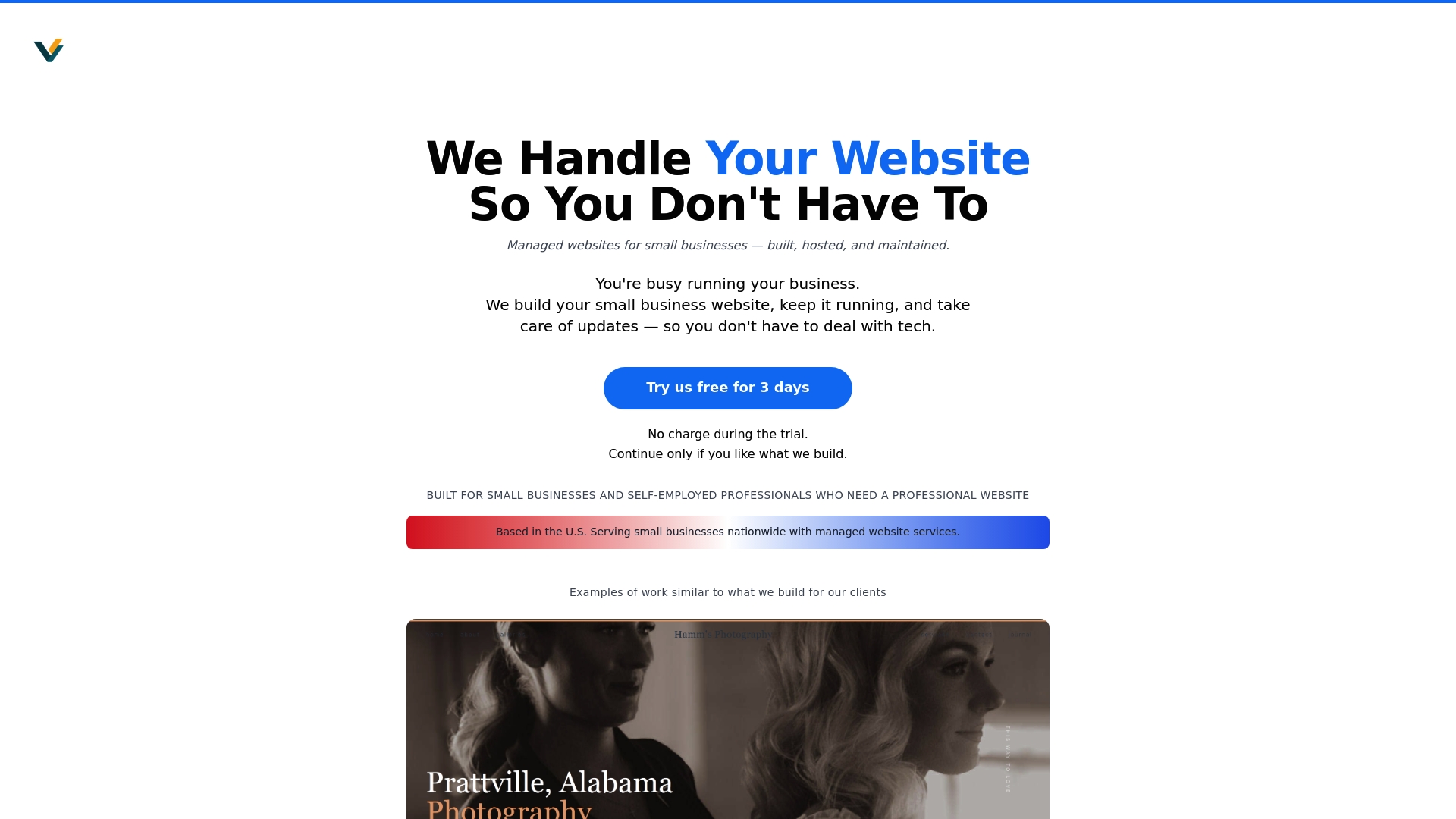
Stop struggling with website tech challenges and start growing your business online with confidence. Start with a $69 demo at https://vegassolutions.tech and see how easy managing your website can be when it is fully handled for you.