

Nearly every website on the internet has an accessibility problem right now. 96% of websites fail basic accessibility standards, and over 4,600 ADA lawsuits were filed in 2025 alone, with small businesses increasingly in the crosshairs. Many owners assume accessibility is a concern reserved for large corporations with deep legal teams. It is not. If you have a website and serve the public, you have responsibilities — and real opportunities.
What Website Accessibility Means and Why It Matters
Website accessibility means building and maintaining a site that anyone can use, including people with visual, hearing, motor, or cognitive disabilities. Think about a customer who is blind and uses a screen reader to navigate the web, or someone with limited hand mobility who relies entirely on a keyboard instead of a mouse. If your site does not support these users, you are turning away real customers.
The global standard for accessibility is the WCAG guidelines (Web Content Accessibility Guidelines), organized around four core principles known as POUR:
- Perceivable: Users must be able to perceive all information on your site, whether through sight, sound, or touch.
- Operable: All navigation and interactive elements must work without requiring a mouse or specific physical ability.
- Understandable: Content and instructions must be clear and predictable for all users.
- Robust: Your site must work reliably across different browsers, devices, and assistive technologies like screen readers.
The business case is straightforward. Accessibility reaches 26% more users than inaccessible sites, improves search engine optimization, and reduces the long-term cost of redesigns. Search engines and screen readers both rely on clean, well-structured code, so improving accessibility often improves your rankings at the same time.
The risk of ignoring accessibility is growing fast. Lawsuits are no longer just targeting Fortune 500 companies. Small retailers, local service providers, and independent professionals are receiving demand letters and facing real legal costs.
Legal Requirements: ADA, WCAG, and Section 508
Understanding which laws apply to your website is the first step toward protecting your business.
| Framework | Who It Applies To | Standard Referenced |
|---|---|---|
| ADA Title III | Businesses open to the public | WCAG 2.1 AA (DOJ guidance) |
| Section 508 | Federal agencies and contractors | WCAG 2.0 AA |
| WCAG | All websites (voluntary but referenced legally) | Levels A, AA, AAA |
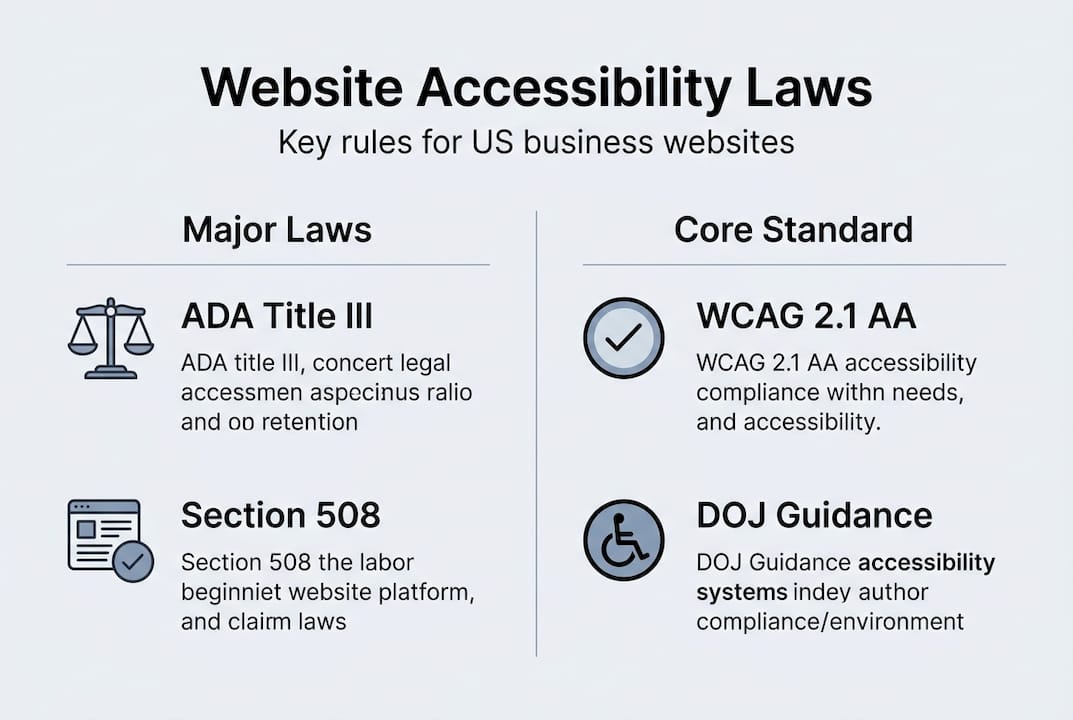
ADA Title III requires that businesses providing public accommodations make their websites accessible. The Department of Justice has referenced WCAG 2.1 AA as the expected standard, even though WCAG itself is not a law. Section 508 applies specifically to federal entities and their contractors, so most small businesses are primarily concerned with ADA compliance.
What counts as a "public accommodation"? Courts have interpreted this broadly to include most businesses with an online presence, especially those selling products or services to the public. If your website is how customers find you, book appointments, or make purchases, it likely qualifies.
What the law actually expects:
- Minimum legal expectation: Meet WCAG 2.1 Level AA, ensure effective communication for users with disabilities, and respond to accessibility complaints promptly.
- Best practice: Go beyond checkboxes. Test with real users, fix issues as they arise, and treat accessibility as part of your standard workflow.
DOJ guidance emphasizes effective communication over rigid technical compliance. That means a site that genuinely works for users with disabilities is more defensible than one that passed an automated scan but still fails in practice.
Pro Tip: Don’t build your site around passing a compliance checklist. Build it so that a person using a screen reader or keyboard can actually complete a task. That mindset shift is what separates real accessibility from performative compliance.

Key Features: What Makes a Website Truly Accessible?
Here are the five most critical accessibility features every small business site needs:
- Alt text for images: Every image needs a short, descriptive text alternative so screen readers can convey what sighted users see.
- Color contrast: Text must be readable against its background. WCAG 2.1 AA requires a minimum contrast ratio of 4.5:1 for normal text.
- Keyboard navigation: Every link, button, and form field must be reachable and usable without a mouse.
- Resizable text: Users must be able to increase text size up to 200% without losing content or functionality.
- Captions and transcripts: Video and audio content needs captions so users who are deaf or hard of hearing can access it.
WCAG 2.2 (released 2023) added new requirements worth noting:
- Focus visible (enhanced): Keyboard focus indicators must now meet minimum size and contrast requirements.
- Dragging movements: Any function using drag-and-drop must have a single-pointer alternative.
- Target size (minimum): Interactive targets must be at least 24×24 pixels to be usable for people with motor impairments.
| Feature | Why It Matters | WCAG Level |
|---|---|---|
| Alt text | Screen reader access to images | A |
| Color contrast (4.5:1) | Readability for low vision users | AA |
| Keyboard navigation | Access without mouse | A |
| Resizable text to 200% | Low vision accommodation | AA |
| Captions on video/audio | Deaf and hard-of-hearing access | A |
| Focus visible indicator | Keyboard user orientation | AA (enhanced in 2.2) |
| Sufficient target size | Motor impairment accommodation | AA (new in 2.2) |
How to Test and Improve Your Site’s Accessibility
Free automated tools to start with:
- WAVE browser extension: Highlights accessibility errors directly on the page
- Google Lighthouse: Built into Chrome DevTools; audit your site with one click
- axe DevTools: Browser extension that catches issues Lighthouse misses
- Colour Contrast Analyser: Desktop tool to check contrast ratios anywhere on screen
Automated tools catch roughly 30–40% of accessibility issues. The rest require manual testing.
Manual testing steps every owner can do:
- Tab through your entire site using only the keyboard. Can you reach and activate every button, link, and form field?
- Turn off your monitor or close your eyes and use a screen reader (NVDA on Windows is free; VoiceOver is built into Mac and iPhone). Can you complete a task?
- Increase your browser’s text size to 200%. Does the layout stay readable and functional?
- Check every image: does it have alt text? Does the alt text describe the image meaningfully?
- Watch any video on your site with the sound off. Are there captions?
Three common mistakes that create the most legal risk:
- Missing or meaningless alt text — images labeled “image001.jpg” instead of describing the content
- Inaccessible forms — form fields without labels, error messages that are not announced by screen readers
- Keyboard traps — modal windows or menus that keyboard users cannot exit
Automated tools are a starting point, not a finish line. A site can pass every automated check and still be unusable for a person with a disability. Real testing with real users is the only way to know.
Accessibility Is More Than Compliance — It’s Smart Business
Most discussions of web accessibility frame it as a legal obligation. That framing is accurate but incomplete. Accessibility improvements consistently benefit all users, not just those with disabilities.
Consider the overlap: captions benefit anyone watching video in a noisy environment. High contrast text is easier to read in sunlight. Keyboard-friendly navigation works better for power users who prefer not to reach for a mouse. Larger tap targets reduce frustration on mobile for everyone.
The cost argument also works in your favor. Fixing accessibility issues after launch costs significantly more than building them in from the start. If you’re planning a new site or a major redesign, this is the time to get it right.
Accessibility also reinforces your brand. A site that works for everyone signals that your business is thoughtful, professional, and genuinely welcoming. That impression matters — especially for local businesses where reputation is everything.
Ready to Make Your Site Accessible?
Most small business owners don’t have the time to audit their own code or run screen reader tests. That’s exactly why it helps to work with someone who builds accessibility in from the start rather than patching it on after the fact.
At Vegas Solutions, every site we build is designed with accessibility principles from day one — clean structure, keyboard navigation, meaningful alt text, and layouts that hold up at any text size. If your current site hasn’t been reviewed for accessibility, let’s talk about what a quick audit could reveal.


