

A slow website can frustrate potential customers before they even see what your business offers. With mobile device usage outpacing desktop, and visitors expecting sites to load quickly on any connection, website speed impacts both customer trust and your bottom line. For small business owners, understanding the link between fast site performance and positive user experience is the first step to staying ahead of competitors and turning visits into sales.
Table of Contents
- Defining Website Speed And User Experience
- How Site Speed Impacts Sales And SEO
- Mobile Versus Desktop Speed Essentials
- Common Causes Of Slow Website Performance
- Risks, Costs, And Fixes For Slow Sites
Key Takeaways
| Point | Details |
|---|---|
| Website Speed is Critical | Fast loading times enhance user experience and maintain customer engagement, while slow websites result in high bounce rates and lost sales. |
| Mobile Optimization is Essential | Focus on optimizing for mobile users, as they often have slower connections and less patience for delays, impacting conversion rates significantly. |
| Regular Performance Testing | Consistently test website speed using free tools to identify areas for improvement and ensure optimal performance across all devices. |
| Address Common Issues | Optimize images, minimize plugins, and improve hosting to dramatically enhance site speed and user satisfaction. |
Defining Website Speed and User Experience
Website speed and user experience are tightly connected. You can't have one without the other. When your site loads quickly, visitors stay. When it's slow, they leave — often before your page fully appears.
Website speed measures how fast your content loads and responds when someone clicks, scrolls, or fills out a form. User experience (UX) is everything about how your visitors interact with your site. Both directly affect whether customers trust you, buy from you, or tell their friends about you. For a deeper look at the specific metrics involved, read our guide on website performance and its impact on growth and trust.
Think of it like a brick-and-mortar store. If customers walk in and the doors are broken or the aisles are confusing, they'll leave immediately. Your website works the same way.
What Website Speed Actually Includes
Website speed isn't just about the initial page load time. It includes:
- How fast buttons and forms respond when clicked
- How quickly images and content appear as you scroll
- How long it takes to complete actions like purchases or form submissions
- Whether your site works on slow mobile connections or outdated devices
Your website speed directly determines whether visitors stay to explore or bounce to a competitor.
Imagine a customer on a 4G connection trying to buy from you on a Friday afternoon. If your checkout takes 10 seconds to load instead of 2 seconds, they're gone. Performance varies greatly depending on device and connection speed. A visitor on fast home WiFi has a completely different experience than someone on a mobile device in a parking lot.
How Speed Shapes User Experience
When your site loads instantly, visitors feel:
- Confidence that you're a professional, legitimate business
- Trust that their data is handled securely
- Appreciation for respecting their time
- Willingness to spend more time exploring your products or services
When your site loads slowly, visitors feel frustrated, skeptical, and impatient.

Why This Matters for Your Business
Good performance creates seamless experiences that improve engagement and keep customers coming back. Poor performance causes abandonment — visitors leave before making a purchase, filling out a contact form, or booking a service. And speed is just one piece: the essential elements of a professional website all work together to convert visitors into customers.
Pro tip: Most small business owners never check how their site performs on mobile devices with slower connections — yet that's often where their customers are accessing them.
How Site Speed Impacts Sales and SEO
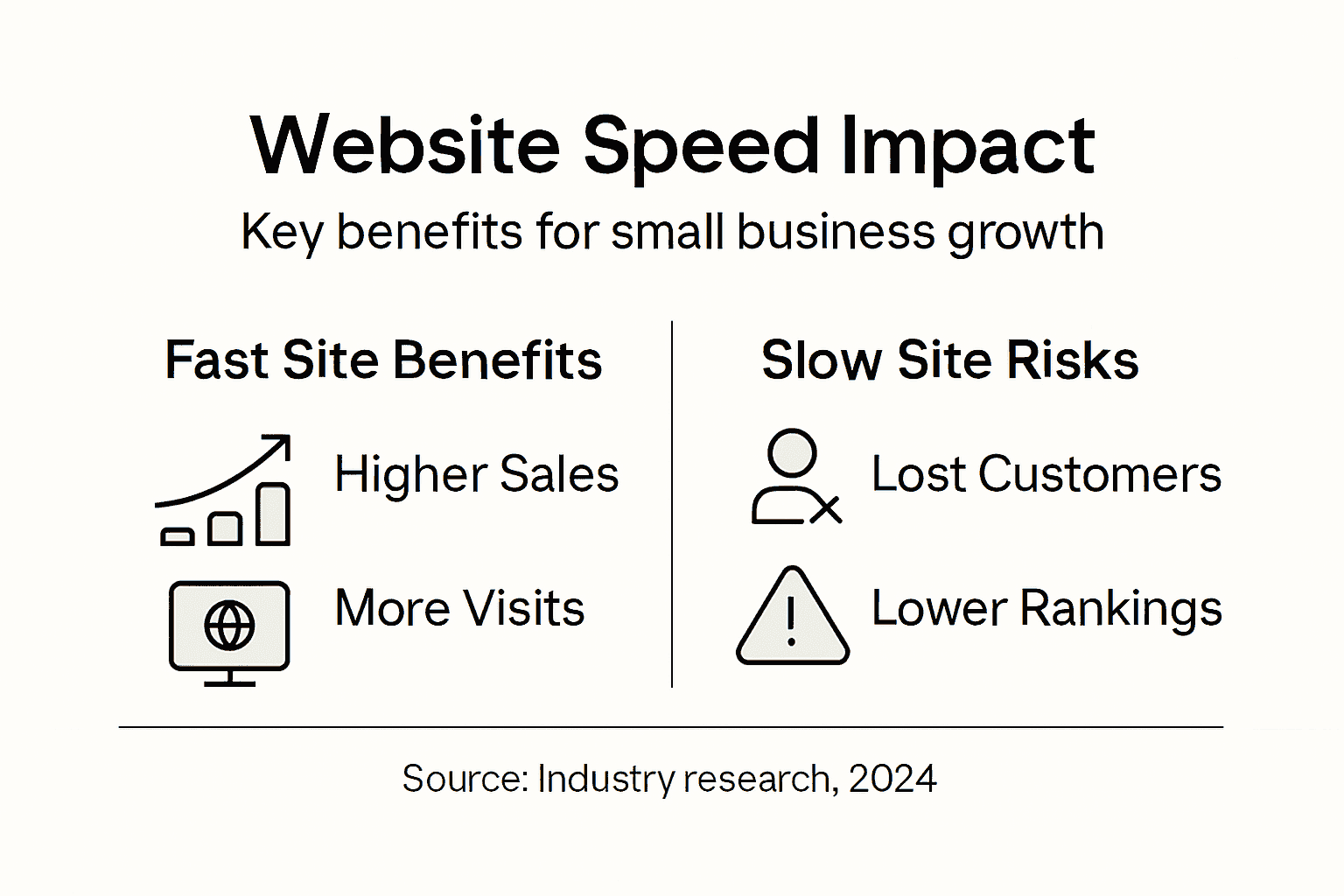
Your website speed directly affects two critical business metrics: how much you sell and how easily customers find you online. These aren't separate issues — they're interconnected. A slow site loses sales today and visibility tomorrow.
The Direct Connection Between Speed and Revenue
Every second your site takes to load costs you money. Visitors abandon slow websites at alarming rates. If your checkout page takes 5 seconds instead of 2 seconds, expect to lose sales. Consider these real-world scenarios:
- A customer ready to buy abandons their cart because payment processing takes too long
- A potential client calls a competitor instead of waiting for your contact form to load
- Someone scrolling products on mobile leaves because images load one by one
- A visitor can't complete a booking because the calendar widget is sluggish
Speed affects perception. When your site responds instantly, customers perceive you as professional and trustworthy. When it's slow, they assume you're outdated or poorly run — even if your actual product or service is excellent.
How Search Engines Rank Faster Sites Higher
Google and other search engines prioritize fast websites in search results. This isn't a minor ranking factor — it's significant. A slower site drops lower in search rankings, making you harder to find. This is part of why SEO for service businesses must include technical speed optimization, not just content.
When your site is slow:
- Search engines struggle to crawl all your pages efficiently
- Your pages rank lower for keywords you want to target
- Competitors with faster sites appear above you in results
- New content takes longer to get indexed
When your site is fast, you gain visibility advantages that drive steady traffic without paying for ads.
Mobile Speed Matters Most
Most of your customers are on mobile devices. Search engines now rank sites based on mobile speed first, not desktop speed. If your site loads slowly on phones, you're already losing.
- Lost sales from impatient mobile shoppers
- Lower search rankings when people search on phones
- Customers switching to mobile-friendly competitors
- Higher bounce rates that further hurt your rankings
Pro tip: Test your site speed on a phone using a 4G connection before and after any website changes — this shows the actual experience your mobile customers have.
Mobile Versus Desktop Speed Essentials
Your visitors don't all access your site the same way. Some use high-powered desktop computers with fast WiFi. Others use smartphones on slower cellular networks. You need your site to perform well for both — but mobile matters more now.
Why Mobile Speed Is the Priority
Most of your customers are scrolling on their phones during lunch breaks, commutes, or while standing in your parking lot. Here's the reality for mobile visitors:
- They're on slower networks than desktop users
- They have less patience for delays
- They expect the same fast experience they get from big companies
- They'll switch to a competitor's site in seconds if yours is slow
Mobile visitors abandon slow sites faster than desktop users do — often before your page even finishes loading.
Desktop users might wait 3 seconds for a page. Mobile users typically abandon after 2 seconds. That single second difference determines whether you make the sale.
The Technical Difference
Mobile and desktop networks aren't equal. Mobile networks use cellular data with higher latency and slower speeds, even on 4G or 5G. Desktop connections typically use wired or fiber internet that's significantly faster and more stable.
| Aspect | Mobile Performance | Desktop Performance |
|---|---|---|
| Network Type | Cellular (4G/5G) | Wired or fiber connections |
| Latency | Higher latency | Lower latency |
| Typical Speed | Slower download speeds | Faster, stable speeds |
| File Size Sensitivity | Needs smaller files | Can handle larger files |
What You Need to Test
Don't assume your site performs equally on both platforms. Test both. Use a phone on actual cellular data, not WiFi. Check these elements:
- How long does your homepage take to load on 4G?
- Can visitors tap buttons immediately, or is there lag?
- Do images load smoothly or in chunks?
- How fast does your checkout process work on mobile?
- Can someone complete a contact form without frustration?
Pro tip: Test your site on an actual mobile phone during different times of day — network speeds vary, and you want to see the worst-case scenario your customers might experience.
Common Causes of Slow Website Performance
Slow websites don't happen by accident. Something specific is dragging down your speed. The good news is that once you identify the culprit, you can fix it. Most small business sites suffer from the same preventable problems.
Unoptimized Images Are Your Biggest Enemy
A single high-resolution photo from your camera can be 5MB or larger. When you upload it directly to your site without optimization, visitors wait while their browsers download that massive file. This is especially brutal on mobile. A 5MB image takes 10+ seconds to download on a slow cellular connection. Your visitor is long gone by then. Optimized images are compressed to a fraction of their original size while still looking sharp.
Too Many Plugins and Scripts
Plugins add functionality quickly, but each one slows your site. A contact form plugin, a review widget, a chat box, a pop-up tool, an analytics plugin — each requires code to load and run. Common culprits include:
- Contact form plugins that load on every page
- Social media widgets and embeds
- Third-party chat boxes and chatbots
- Analytics and tracking scripts
- Advertisement networks and tracking pixels
Every plugin you add increases page load time. Small business owners often keep unused plugins active without realizing the performance cost.
Poor Hosting and Server Response Times
Slow hosting is a silent killer. If your hosting company has overloaded servers or outdated hardware, your site will always be slow, no matter what you optimize. Your server response time should be under 200 milliseconds. Budget hosting ($3/month) often shares servers with thousands of other websites. When someone else's site experiences a traffic spike, your site slows down too. Understanding the key benefits of quality website hosting helps explain why the right hosting choice is foundational to speed.
Missing Caching and Uncompressed Files
Caching stores copies of your pages so repeat visitors don't download everything again. Without it, every visitor downloads your entire site from scratch. Uncompressed files are unnecessarily large. Compression can reduce file sizes by 50% or more with no quality loss.
The combination of unoptimized images, excessive plugins, and poor hosting creates a slow site that you can fix by addressing one problem at a time.
Pro tip: Start by turning off unused plugins and compressing your largest images — these two fixes alone often cut load times in half without any technical complexity.
Risks, Costs, and Fixes for Slow Sites
Slow websites create a cascade of problems that affect your bottom line. Every delay costs you money through lost sales, damaged reputation, and search visibility. But fixes exist — and many are within your control.
The Real Risks You Face
When your site loads slowly:
- Visitors bounce to competitors before seeing your products
- Search engines crawl fewer pages and rank you lower
- People assume you're unprofessional or untrustworthy
- Mobile shoppers abandon you permanently
- Your email list grows more slowly
Each of these issues compounds. Lower rankings mean less traffic. Less traffic means fewer opportunities for sales. A slow site also undermines everything else you've done to build credibility — including a well-designed homepage that should be converting visitors the moment they arrive.
The Financial Impact
Slowness directly hits your wallet. A slow checkout page might cost you 20% of sales from that page alone. If you lose one customer per day due to slowness, that's $20,000 to $50,000 in annual revenue gone. Beyond lost sales, slowness creates other costs:
- Increased customer support inquiries from frustrated visitors
- Higher bounce rates that signal poor experience to Google
- Lost credibility when people compare you to faster competitors
- Wasted marketing budget sending traffic to a slow site
Fixing a slow website pays for itself through recovered sales and improved search visibility.
Fixes You Can Implement
You don't need to be technical to improve speed. Start with these concrete actions:
- Compress and optimize all images before uploading
- Disable or remove unused plugins and scripts
- Switch to better hosting if yours is $5 per month or less
- Enable caching so repeat visitors load faster
- Test your site speed regularly using free tools
Most small businesses see 30–50% speed improvements by addressing just the first two items. After that, upgrading hosting typically delivers the next major jump. If you'd rather have all of this handled for you, see how the top small business hosting platforms compare on speed and managed services.
| Speed Fix | Impact | Ease of Implementation |
|---|---|---|
| Image Compression | Cuts load times dramatically | Simple; done before upload |
| Remove Unused Plugins | Reduces code load | Quick; no technical skills needed |
| Switch Hosting | Major speed boost | Requires provider change |
| Enable Caching | Faster for repeat visitors | Set up in site settings |
| Regular Speed Testing | Identifies new issues | Use free online tools |
Pro tip: Test your site speed weekly using Google PageSpeed Insights, which is free and shows exactly what's slowing you down and how much each fix could help.


