

Many small business owners believe website speed is simply about how fast images and logos appear on screen. In reality, website speed optimization is a comprehensive approach to improving how quickly and smoothly your entire site loads and responds to user actions. This matters because slow websites lose customers, hurt search rankings, and damage your professional reputation. This guide explains what website speed optimization truly involves, why it's critical for your business success, and practical steps you can take to make your website faster.
Key Takeaways
| Point | Details |
|---|---|
| Comprehensive approach | Website speed optimization encompasses more than images and includes load speed, interactivity, and overall user experience improvements. |
| User experience impact | Faster sites improve engagement, lower bounce rates, and help search rankings. |
| Key optimization techniques | Image optimization, caching, and hosting choices are major speed boosters. |
| Monitoring and testing | Monthly speed testing with PageSpeed Insights helps establish a baseline and track improvements over time. |
Understanding Website Speed Optimization
Website speed optimization refers to the techniques and strategies you use to make your website load faster and function more smoothly for every visitor. This goes far beyond just making images appear quickly. Website speed drives small business success by improving user engagement and search rankings across every aspect of your online presence.
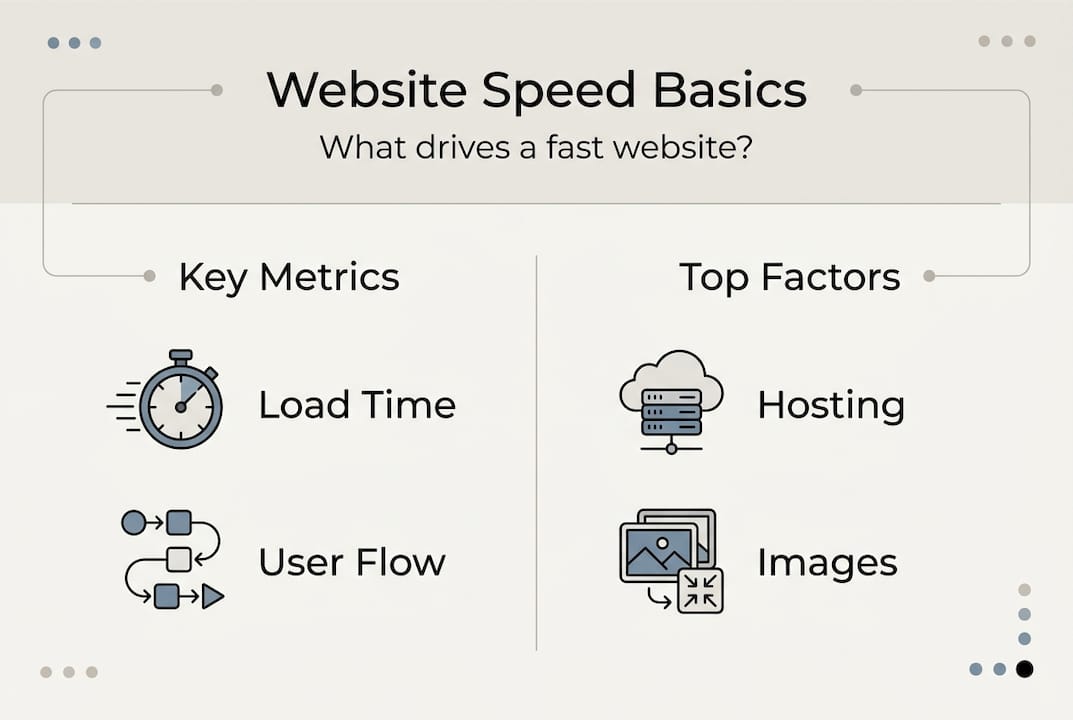
Speed optimization focuses on several key metrics that determine how users experience your site. Page load time measures how long it takes for your entire page to display completely. Time to first byte tracks how quickly your server responds to a browser request. Interaction readiness shows when visitors can actually click buttons and use your site's features. Each metric reveals different aspects of your website's performance.
The benefits for small businesses are substantial and measurable. Improved customer experience keeps visitors on your site longer and encourages them to explore more pages. Higher search rankings result from Google's preference for fast-loading websites in search results. Increased conversion rates happen because visitors are more likely to complete purchases or contact you when your site responds quickly.
Several factors determine your website's speed. Hosting quality affects how quickly your server delivers content to visitors. File sizes, especially images and videos, can slow down loading if not optimized properly. Caching allows browsers to store and reuse elements instead of downloading them repeatedly. Code efficiency matters because bloated or poorly written code takes longer to process. Third-party scripts from analytics tools, chat widgets, or advertising platforms can add significant delays if not managed carefully.
Pro Tip: Test your website speed monthly using free tools like Google PageSpeed Insights to establish a performance baseline and track improvements over time. Regular monitoring helps you catch problems before they impact your business.
Common Techniques to Optimize Website Speed
Image optimization stands as one of the most effective speed improvements you can make. This involves resizing images to the exact dimensions needed on your site rather than letting browsers scale down large files. Compressing images reduces file size by removing unnecessary data without visible quality loss. Modern formats like WebP offer superior compression compared to traditional JPEG and PNG files, often cutting file sizes by 25 to 35 percent while maintaining visual quality.

Browser caching provides significant benefits by storing website elements on visitors' devices after their first visit. When someone returns to your site, their browser loads stored files from their device instead of downloading everything again from your server. This dramatically reduces load times for repeat visitors, who often become your most valuable customers. Proper caching configuration can cut load times by 50 percent or more for returning users.
Choosing reliable and fast web hosting directly impacts your website's performance. Shared hosting plans may seem economical but often result in slower speeds because you're competing for server resources with dozens of other websites. Professional web hosting provides dedicated resources and optimized server configurations that keep your site running quickly even during traffic spikes.
Minimizing HTTP requests reduces the number of separate files your browser must download to display your page. Each script, stylesheet, image, and font requires a separate request to your server. Combining multiple CSS files into one and reducing the number of scripts can significantly improve loading speed. Every eliminated request saves time and reduces the chance of delays.
Content delivery networks distribute your website content across multiple servers worldwide. When someone visits your site, the CDN delivers files from the server closest to their geographic location. This reduces the physical distance data must travel and speeds up delivery, especially for visitors far from your main server location.
| Optimization Technique | Speed Impact | Implementation Complexity | Best For |
|---|---|---|---|
| Image compression | High | Low | All websites with photos or graphics |
| Browser caching | High | Medium | Sites with repeat visitors |
| Quality hosting | Very High | Low | Every small business website |
| Minimize HTTP requests | Medium | Medium | Sites with many scripts and stylesheets |
| Content delivery network | Medium to High | Medium | Sites with national or international audiences |
Tools for Measuring and Maintaining Website Speed
Ongoing monitoring is critical because website speed can degrade over time as you add content, install new features, or as hosting environments change. Regular testing helps you catch performance issues before they cost you customers and revenue.
Google PageSpeed Insights provides comprehensive analysis of both mobile and desktop performance with specific recommendations for improvement. GTmetrix offers detailed waterfall charts showing exactly how each element loads and where delays occur. WebPageTest allows you to test from multiple locations and browsers, giving you insight into how different users experience your site.
Follow these steps to regularly assess your website speed:
- Test your site at least monthly using two different speed tools to get comprehensive data
- Record your scores and key metrics in a simple spreadsheet to track trends over time
- Identify the three slowest-loading pages on your site and prioritize them for optimization
- Implement one improvement at a time and retest to measure the specific impact
- Set performance targets appropriate for your industry and monitor progress toward them
How Website Speed Optimization Benefits Small Businesses
The business case for website speed optimization is compelling and supported by extensive research. Simple technical changes like image optimization, caching, and hosting significantly improve speed and create measurable business results.
Customer retention improves dramatically with faster loading times. Studies show that 40 percent of visitors abandon websites that take more than three seconds to load. For a small business receiving 1,000 monthly visitors, that means potentially 400 people never see your products or services. Speed optimization directly converts lost visitors into engaged prospects.
Search engine rankings respond positively to speed improvements. Google includes page speed as a ranking factor, meaning faster websites appear higher in search results. Higher rankings lead to more organic traffic without additional advertising spend. This compounds over time as your improved rankings bring consistent traffic growth.
Competitive advantage in your local market grows when your website outperforms slower competitors. Many small businesses neglect website performance, leaving an opportunity for you to stand out. A fast, professional website signals reliability and competence to potential customers making purchasing decisions.
Boost Your Website Speed with Vegas Solutions
Website speed optimization requires ongoing attention as your site grows and evolves. Many small business owners find that managing speed alongside running their business becomes overwhelming. Professional website management handles these technical details so you can focus on serving customers.
Vegas Solutions builds and maintains fast, optimized websites for small businesses. Our managed service includes performance monitoring, regular optimization, and hosting on high-speed infrastructure. When your site slows down, we identify and fix the problem before it costs you customers.
Our clients consistently see improved search rankings and lead generation after switching to professionally managed websites. The investment in proper website performance pays for itself through increased customer acquisition and retention.
Get started with a free website demo to see how Vegas Solutions builds fast, professional websites that grow your business.
Frequently Asked Questions
What is website speed optimization?
Website speed optimization is the process of improving how quickly your website loads and responds to user interactions. It includes techniques like image compression, browser caching, code optimization, and choosing quality hosting. The goal is to deliver a fast, smooth experience that keeps visitors engaged and improves your search engine rankings.
Why does website speed matter for small businesses?
Website speed directly affects customer experience, search rankings, and conversion rates. Slow websites lose visitors before they see your products or services. Google uses page speed as a ranking factor, so faster sites appear higher in search results. Studies show even a one-second delay can reduce conversions by 7 percent.
How do I test my website speed?
Use free tools like Google PageSpeed Insights, GTmetrix, or WebPageTest to analyze your site's performance. These tools provide scores, specific metrics, and actionable recommendations. Test monthly and after making changes to track improvements over time.
What is the fastest way to improve website speed?
Image optimization typically delivers the biggest immediate improvement for most small business websites. Compress images and convert them to WebP format. Next, enable browser caching and consider upgrading to quality managed hosting. These three steps address the most common causes of slow websites.
How much does website speed optimization cost?
Many speed improvements are free, including image compression, enabling caching, and basic code cleanup. Quality hosting with better performance typically costs $20–100 per month depending on your needs. Professional managed website services that include ongoing optimization usually range from $49–200 per month and often deliver better results than DIY approaches.