

Losing your business because of a cyberattack is not a hypothetical scenario. 60% of small businesses that suffer a cyber attack close within six months. That number should stop you in your tracks. Your website is often the first place attackers probe, and small businesses are targeted precisely because defenses tend to be weaker. The good news is that most successful attacks exploit basic, fixable gaps. This article walks you through the essential steps to secure your website, protect client data, and build the kind of trust that keeps customers coming back.
Start with secure basics: HTTPS, strong passwords, and MFA
Every solid security posture starts with fundamentals. These are the steps that, if skipped, leave your front door wide open to automated bots and opportunistic hackers who scan thousands of sites every hour.
HTTPS and SSL/TLS certificates are your first line of protection. HTTPS encrypts the data traveling between your website and your visitors, meaning customer names, email addresses, and payment details cannot be intercepted in plain text. SSL/TLS certificates encrypt data in transit and are available free through Let's Encrypt, so there is no cost barrier here. If your site still shows "HTTP" in the browser bar, fixing that today should be your top priority.
Strong, unique passwords are equally non-negotiable. Many business owners reuse passwords across hosting panels, content management systems (CMS), and email accounts. That habit is dangerous. Strong passwords of 16+ characters combined with multi-factor authentication (MFA) block the vast majority of credential-based attacks. MFA adds a second verification step, like a code sent to your phone, so a stolen password alone is not enough to break in.
Here is a quick checklist to cover the basics:
- Switch your site to HTTPS using a free SSL/TLS certificate
- Set passwords to at least 16 characters with a mix of letters, numbers, and symbols
- Use a unique password for every account: hosting, CMS, email, and payment tools
- Enable MFA on every account that offers it
- Use a password manager to generate and store credentials securely
Automated attacks do not discriminate by business size. Bots continuously scan the web for sites missing HTTPS or using weak credentials. These are not targeted attacks; they are bulk sweeps. Closing these gaps removes your site from the majority of threat lists.
Pro Tip: Start with your hosting account and CMS login. Those two access points, if compromised, give an attacker full control of your website and every file on it. You can find a more detailed walkthrough in this secure your website guide or review the broader case for website security importance for small businesses.
Patch your site regularly: Updating software, CMS, plugins, and themes
Once you've secured the basics, ongoing maintenance is your next defense. Outdated software is one of the most exploited vulnerabilities on the internet. When a security flaw is discovered in a popular CMS like WordPress or a commonly used plugin, hackers act fast. They write automated scripts to target every site still running the old version, sometimes within hours of a vulnerability being published.
Keep all software, CMS, plugins, and themes updated automatically where possible. Enabling auto-updates is not laziness; it is a smart, low-effort way to eliminate a major risk category. Here are the key update steps to follow:
- Enable automatic updates in your CMS settings for core software
- Review and update all active plugins at least once a week
- Remove plugins and themes you no longer use since inactive code still carries risk
- Check for compatibility before major updates to avoid site-breaking conflicts
- Confirm updates went through by reviewing your update log regularly
Pro Tip: Schedule a 15-minute weekly check of your site's update dashboard. This one habit alone prevents a significant portion of the attacks that hit small business websites every month.
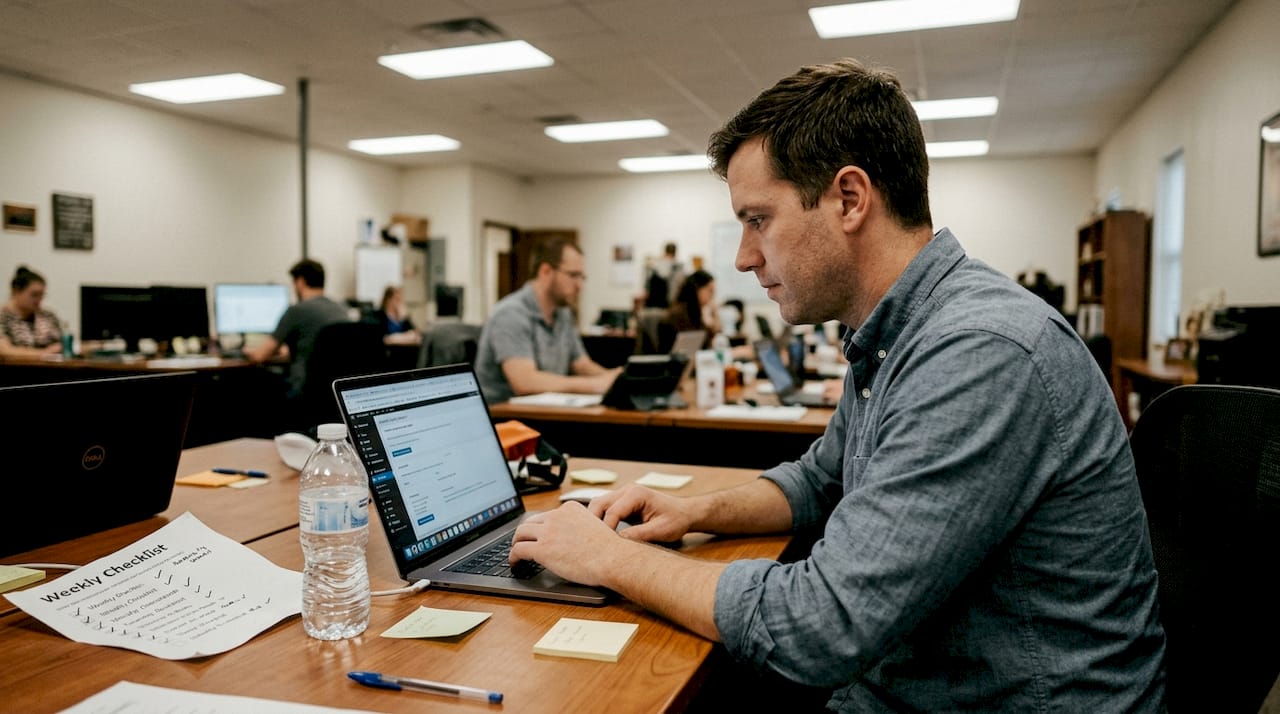
Managed ongoing website support can take this task entirely off your plate, and reading up on website maintenance tips can help you build a consistent routine in the meantime.
Address the top threats: OWASP Top 10 and common vulnerabilities
Beyond updates, actively guarding against specific vulnerabilities is crucial. The OWASP Top 10 is a globally recognized list of the most critical web application security risks. OWASP stands for Open Web Application Security Project, and their framework is used by developers and security professionals worldwide as a baseline for building safer websites.
Broken Access Control, Injection, and Security Misconfiguration are the leading risks for small business websites. Understanding what these mean helps you take the right protective steps.
- Broken Access Control: Users can access pages or data they should not. Fix it by reviewing user permissions and limiting admin access to only those who need it.
- Injection attacks: Hackers insert malicious code through form fields or URLs. Fix it by validating all user inputs and using prepared statements in your database queries.
- Security Misconfiguration: Default settings left unchanged, unnecessary features enabled, or error messages that reveal too much. Fix it by auditing your configuration and disabling anything you do not need.
- Outdated components: Covered in the last section, but worth repeating because it remains a top vector.
- Insecure design: Security was never built into the site's structure. Fix it by working with developers who follow secure coding practices from the start.
A single misconfigured permission can expose your entire customer database. Security misconfigurations are often invisible until something goes wrong. An annual security audit, even a basic one, catches these gaps before attackers do.
For most small business owners, the practical approach is to work with a web professional who builds security into the site structure from the start, rather than trying to retrofit it. Reviewing your site against the OWASP checklist annually is a reasonable goal for businesses that manage their own hosting.
Build human defenses: Employee training and phishing awareness
Technology alone cannot fully protect your business. Human error remains one of the leading causes of security breaches. 90% of cyberattacks start with phishing, which means training your team is as important as installing any technical safeguard.
Phishing is when an attacker sends a deceptive email or message designed to trick someone into revealing login credentials, clicking a malicious link, or downloading malware. These messages often look like they come from a trusted source, such as your hosting provider, a bank, or even a colleague.
Employee training does not need to be complicated. Here are the essentials to cover:
- Teach staff to verify sender email addresses carefully before clicking any link
- Run a simulated phishing test to show employees what real attacks look like
- Set a policy that sensitive credentials are never shared via email or chat
- Establish a clear process for reporting suspicious messages without judgment
- Review what personal or company data employees have access to and limit it where reasonable
Most phishing attacks succeed not because the technology failed, but because a person was in a hurry, distracted, or simply untrained. A brief monthly reminder about current phishing tactics costs almost nothing and dramatically reduces your exposure.
Pro Tip: Make security training feel practical rather than punitive. Share real examples of phishing emails that targeted small businesses in your industry. Relevance makes training stick.
A smarter security mindset: What most owners miss
Beyond the technical steps, the most secure businesses approach security as an ongoing habit, not a one-time setup. A few commonly overlooked practices can make a meaningful difference:
Regular backups are your recovery plan when something does go wrong. If your site is compromised, a recent backup means you can restore it quickly rather than rebuilding from scratch. Automate daily or weekly backups and store them in a location separate from your main hosting environment.
Limit login attempts to slow down brute force attacks. Most CMS platforms and hosting panels allow you to set a lockout after a certain number of failed login attempts. Enable this setting.
Monitor your site for unusual activity. Many hosting providers offer basic security dashboards or logs. Checking these occasionally can surface anomalies like unexpected login attempts from foreign IP addresses or unusual file changes.
Use a Web Application Firewall (WAF). A WAF filters and monitors traffic to your site, blocking common attack patterns before they reach your server. Services like Cloudflare offer a free tier that provides meaningful protection for small business sites.
Review third-party integrations periodically. If you use payment processors, booking systems, or marketing tools connected to your site, verify they are maintained and up to date. A vulnerability in a third-party integration can expose your site just as easily as one in your own code.
Protect your website and grow with expert support
Security is not a one-time project. It is part of running a professional online presence. For most small business owners, the most practical solution is partnering with a team that handles the technical side so you can focus on your actual business.
At Vegas Solutions, every website we build and manage includes the security fundamentals covered in this article as part of the standard service. That means HTTPS, regular updates, monitoring, and a team that stays current on emerging threats so you do not have to.
If you are ready to stop worrying about whether your site is secure and start focusing on growing your business, get a free website demo and see what professionally managed website care looks like in practice.


