

Managing your website shouldn't feel like solving a Rubik's Cube blindfolded. Most small business owners face the same technical overwhelm when it comes to keeping their sites secure, fast, and visible to customers. A structured maintenance checklist can reduce security incidents by 30% and improve load times by 20%, protecting your online reputation and revenue. This guide breaks down exactly what to do weekly, monthly, quarterly, and annually so you can maintain your website confidently or decide when to bring in expert help.
Key Takeaways
| Point | Details |
|---|---|
| Frequency matters | Tasks are organized by weekly, monthly, quarterly, and annual schedules for manageable upkeep. |
| Security first | Updates, backups, and malware scans prevent costly breaches and data loss. |
| Cost efficiency | Professional services cut emergency repair costs by up to 70% compared to reactive fixes. |
| Performance pays | Regular speed optimization and SEO maintenance keep your site fast and findable. |
| Flexible approach | Choose DIY, professional, or hybrid maintenance based on your skills and resources. |
Key Criteria for Choosing Your Website Maintenance Tasks
Before diving into checklists, you need a framework for prioritizing what matters most. Not every task carries equal weight for every business.
Your maintenance strategy should address five core areas: security updates, reliable backups, speed optimization, SEO health, and user access control. These pillars protect your site from threats, keep it running smoothly, and help customers find you online. Prioritize tasks based on frequency and impact—weekly, monthly, quarterly, annually—to avoid overwhelming yourself while addressing critical needs first.
Consider these factors when building your maintenance approach:
- Business size and traffic volume: A local service business with 500 monthly visitors needs different maintenance than an ecommerce site handling 10,000 transactions.
- Technical comfort level: Be honest about your ability to handle updates, troubleshoot errors, and interpret analytics.
- Website complexity: Simple brochure sites require less upkeep than membership platforms or online stores with payment processing.
- Automation capabilities: Tools that automate backups, security scans, and update notifications dramatically reduce manual effort.
- Risk tolerance: Calculate what downtime or a security breach would cost your business in lost revenue and customer trust.
Start with high impact, low effort tasks like automated backups and security updates. Layer in performance and content tasks as you build confidence. The goal is consistency, not perfection. A simple routine you actually follow beats an elaborate plan you abandon after two weeks.

Pro Tip: Use your website platform's dashboard to enable automated security notifications so critical updates never slip through the cracks.
Weekly Website Maintenance Checklist
Weekly tasks form your first line of defense against the most common website problems. These quick checks prevent small issues from snowballing into expensive emergencies.
Update your CMS, plugins, and themes to the latest stable versions. Software developers release updates to patch security vulnerabilities discovered by researchers or exploited by attackers. Updating weekly prevents common vulnerabilities and malware infections that could compromise customer data or take your site offline.
Run a malware scan using your security plugin or hosting provider's built-in scanner. Catching infections early limits damage and cleanup costs. Many attacks inject code that redirects visitors to spam sites or steals form submissions without obvious visual changes.
Verify your backup completed successfully. Automated backups fail more often than you'd expect due to server timeouts, storage limits, or configuration errors. Check your backup system's dashboard to confirm the latest backup exists and includes your database and files.
Test critical forms like contact forms, newsletter signups, and quote requests. Submit a test entry and verify you receive the notification email. Broken forms mean lost leads and frustrated potential customers who assume you're out of business.
Scan for broken links on your main pages using a free tool like Dead Link Checker. Broken links signal neglect to search engines and directly frustrate users trying to navigate your content.
Review user accounts if your site has login functionality. Remove former employees, suspended contractors, or test accounts that create security vulnerabilities.
These tasks take 20 to 30 minutes total once you establish a routine. Schedule them for the same day each week, ideally during low traffic periods. Consistency matters more than timing perfection.
Pro Tip: Create a simple checklist in Google Docs or Notion with checkboxes for each weekly task so you can track completion and spot patterns if issues arise.
Monthly and Quarterly Website Maintenance Checklist
Deeper optimization happens on longer cycles. Monthly and quarterly tasks improve performance, security posture, and content relevance without requiring weekly attention.
Monthly maintenance priorities:
- Compress and optimize images uploaded since last month. Large image files are the number one speed killer for most small business sites. Free tools like TinyPNG reduce file sizes by 60% to 80% without visible quality loss.
- Minify CSS and JavaScript files to remove unnecessary characters and whitespace. This significantly improves load times.
- Monitor Core Web Vitals in Google Search Console. These metrics measure real user experience with your site's loading speed, interactivity, and visual stability. Poor scores directly hurt search rankings.
- Check SSL certificate status to ensure your HTTPS connection remains valid. Expired certificates trigger scary browser warnings that send visitors fleeing to competitors.
- Review and update outdated content. Scan your five most visited pages for old dates, discontinued products, or changed contact information that damages credibility.
- Audit SEO metadata including title tags and meta descriptions for top pages. Refresh them to include current keywords and compelling calls to action.
Quarterly maintenance essentials:
- Test backup restoration by actually recovering a file or database table from backup. Untested backups are like fire extinguishers you've never checked—they might work when needed or might be empty.
- Audit user passwords and access controls. Require password resets for admin accounts and review permission levels to ensure users have appropriate access, not blanket admin rights.
- Refresh branding or design elements that feel dated. Small visual updates like updated photos or modernized buttons keep your site feeling current.
- Perform technical SEO audits checking for indexation issues, duplicate content, missing alt text, and broken schema markup.
| Task Type | Frequency | Primary Benefit | Time Required |
|---|---|---|---|
| Image optimization | Monthly | Faster load times, better mobile experience | 30 minutes |
| Content review | Monthly | Improved credibility and conversions | 45 minutes |
| SSL check | Monthly | Maintained trust and security indicators | 5 minutes |
| Backup testing | Quarterly | Verified disaster recovery capability | 20 minutes |
| Access audit | Quarterly | Reduced security vulnerabilities | 30 minutes |
| SEO audit | Quarterly | Better search visibility and traffic | 60 minutes |
These website optimization tasks compound over time. Each month of consistent maintenance builds on the previous month's improvements.
Pro Tip: Schedule your quarterly tasks for the week after you complete monthly maintenance so you tackle related work together while you're already in maintenance mode.
Annual Website Maintenance Checklist
Yearly tasks protect ownership, evaluate big-picture performance, and set strategic direction for the coming year. These are easy to forget but critical for long-term success.
Domain and hosting renewals top the list. Set calendar reminders 60 days before expiration dates so you have time to evaluate whether to switch providers or negotiate better rates. Losing your domain name because you missed a renewal notice is a business-killing mistake that happens more often than you'd think.
Comprehensive security audit goes deeper than weekly scans. Review all installed plugins and themes, removing any you no longer use. Unused software creates attack vectors without providing value. Check file permissions, database security settings, and server configurations if you have technical access.
Performance audit and benchmarking establishes baselines for the coming year. Run full speed tests with tools like GTmetrix or PageSpeed Insights. Document current load times, Core Web Vitals scores, and mobile usability ratings so you can measure improvement.
Analytics review and goal setting informs strategy. Which pages attracted the most traffic? Where did visitors drop off? What search terms brought qualified leads? Use these insights to prioritize content updates and choose website hosting features that support your growth.
Accessibility evaluation ensures your site works for all visitors including those using screen readers or keyboard navigation. Basic accessibility improvements expand your potential customer base and reduce legal risk.
Technology stack review considers whether your current platform, hosting, and tools still serve your needs. A site built five years ago might need migration to a modern platform that supports current business requirements and security standards.
Annual audits reveal accumulated technical debt and strategic opportunities that daily operation obscures. Block out half a day for this yearly review or hire a professional for an objective assessment.
Comparison of DIY vs Professional Website Maintenance Services
Choosing between handling maintenance yourself and hiring professionals involves weighing costs, risks, required skills, and your available time. Neither approach is universally better; the right choice depends on your specific situation.
DIY maintenance appeals to budget-conscious owners comfortable with technology. You maintain complete control and avoid monthly service fees. However, you assume full responsibility for staying current with security threats, troubleshooting technical issues, and keeping up with platform changes. Most small business owners underestimate the time commitment by 50% or more.
Professional maintenance services provide expert monitoring, updates, backups, and support for predictable monthly fees typically ranging from $50 to $500 depending on site complexity. Professional services reduce emergency repair costs by up to 70% because proactive monitoring catches issues before they cascade into site-breaking disasters.
| Factor | DIY Approach | Professional Services |
|---|---|---|
| Upfront cost | $0 to $100 for tools | $50 to $500 monthly |
| Time commitment | 2 to 5 hours monthly | 0 hours (fully handled) |
| Technical skills required | Moderate to advanced | None required |
| Security risk | Higher (easy to miss updates) | Lower (expert monitoring) |
| Emergency support | You troubleshoot alone | Included in service |
| Best for | Tech savvy owners with simple sites | Growing businesses, limited time |
The hidden cost in DIY maintenance is opportunity cost. Every hour you spend wrestling with plugins or debugging errors is an hour you're not serving customers or growing your business. For many service professionals billing $100 to $300 per hour, paying $200 monthly for professional maintenance is a bargain that frees up 3 to 5 billable hours.
Emergency repairs average $300 to $1,500 for issues like hacked sites, failed updates, or data loss. Professional maintenance that prevents these emergencies pays for itself by avoiding just one major incident per year.
"Small business owners wear enough hats already. Outsourcing website maintenance to specialists who handle it daily reduces risk while freeing you to focus on what you do best: serving customers and growing revenue."
Situational Recommendations: What Maintenance Approach Fits Your Business?
Your ideal maintenance strategy depends on three primary factors: technical comfort, business size, and website complexity. Honest self-assessment leads to better outcomes than aspirational planning.
Choose DIY maintenance if:
- Your site is a simple 5 to 10 page brochure with minimal functionality and low traffic (under 1,000 monthly visitors).
- You genuinely enjoy learning technical skills and have 3 to 5 hours monthly to dedicate to maintenance.
- Your business has very tight cash flow and you can commit to a consistent maintenance schedule.
- You're comfortable reading documentation, following tutorials, and troubleshooting error messages.
Choose professional services if:
- Your website generates leads, processes transactions, or directly supports revenue.
- You have limited technical skills or find website management stressful rather than interesting.
- Your time is better spent on billable work, sales, or operations than website upkeep.
- You want guaranteed response times and expert support when issues arise.
- Your site has ecommerce, membership features, or custom functionality.
Consider a hybrid approach if:
- You want to handle simple content updates and basic monitoring yourself.
- You need professional support for security, backups, and technical troubleshooting.
- You're building technical confidence gradually and want expert backup during the learning curve.
- Your budget allows for partial services focused on high-risk areas.
Many professional services offer trial periods or starter packages that let you test the relationship before committing long term. Take advantage of these to evaluate whether the provider communicates clearly, responds promptly, and understands small business needs.
Simplify Your Website Maintenance with Vegas Solutions
Handling all these maintenance tasks yourself works until it doesn't. One missed update, one failed backup, one malware infection can cost thousands in lost revenue and emergency repairs.
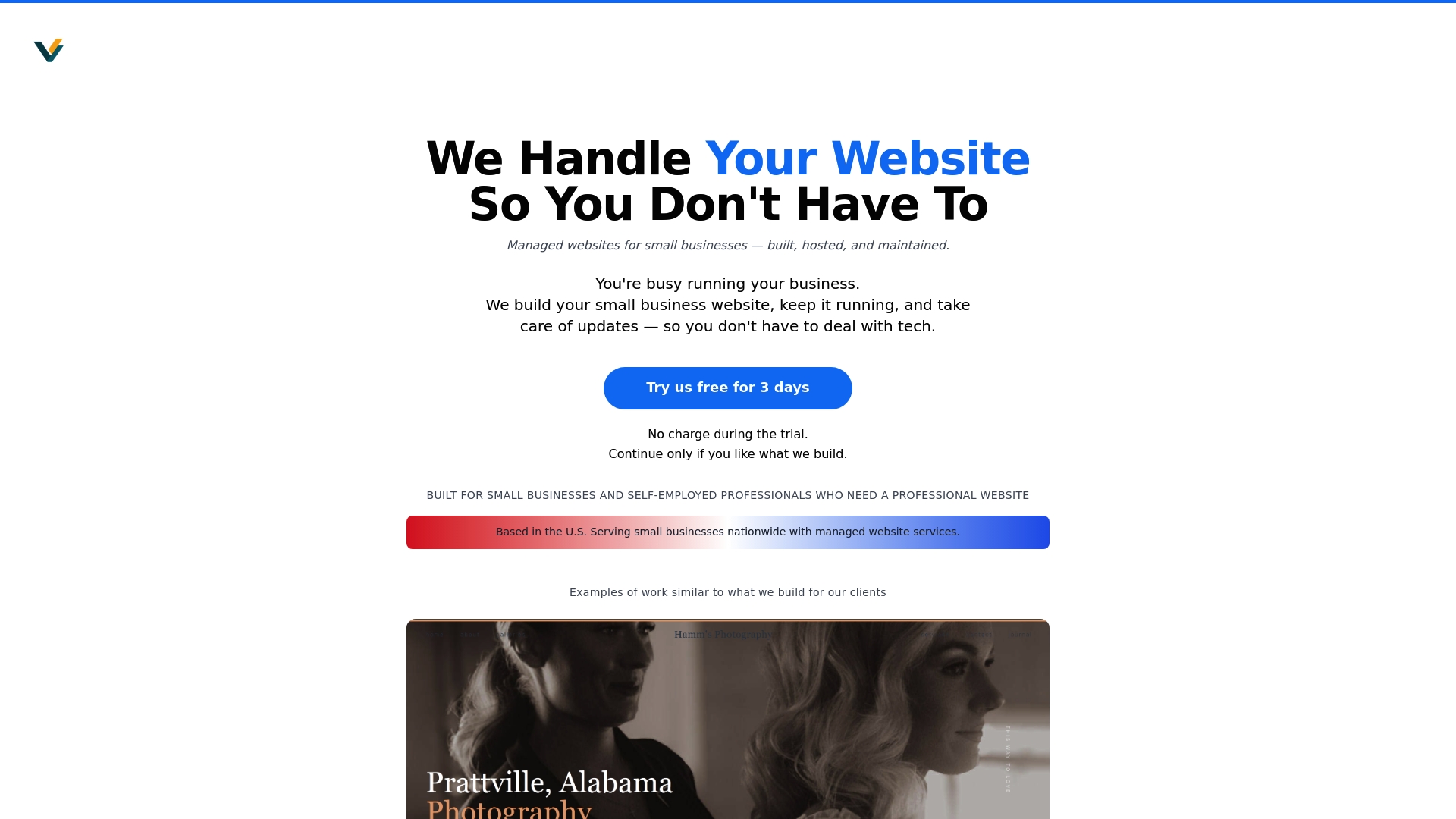
Vegas Solutions takes website maintenance completely off your plate. We handle weekly updates, daily backups, security monitoring, and performance optimization so your site stays fast, secure, and working for your business. You get one point of contact who speaks in plain language, not tech jargon. Our affordable pricing plans fit small business budgets while delivering enterprise-level reliability.
We build, host, and maintain your website so you don't have to think about it. Start with a $69 demo and continue only if it feels like a good fit. No contracts, no surprises, just hassle-free website maintenance that lets you focus on your customers. Visit Vegas Solutions to see how we handle everything your website needs.